
You can filter quotations using the following two methods: 1. Search for a specific quotation number: In the search field, select a search condition (for example, "Quotation No."), enter a keyword, and click the orange search button. 2. Filter by buyer: Click the "Buyer Listing" field on the right side of the search bar and enter the buyer name to filter quotations from that buyer. 3. To view statistics for all statuses, click "Stat All" in the filter row at the top of the page.
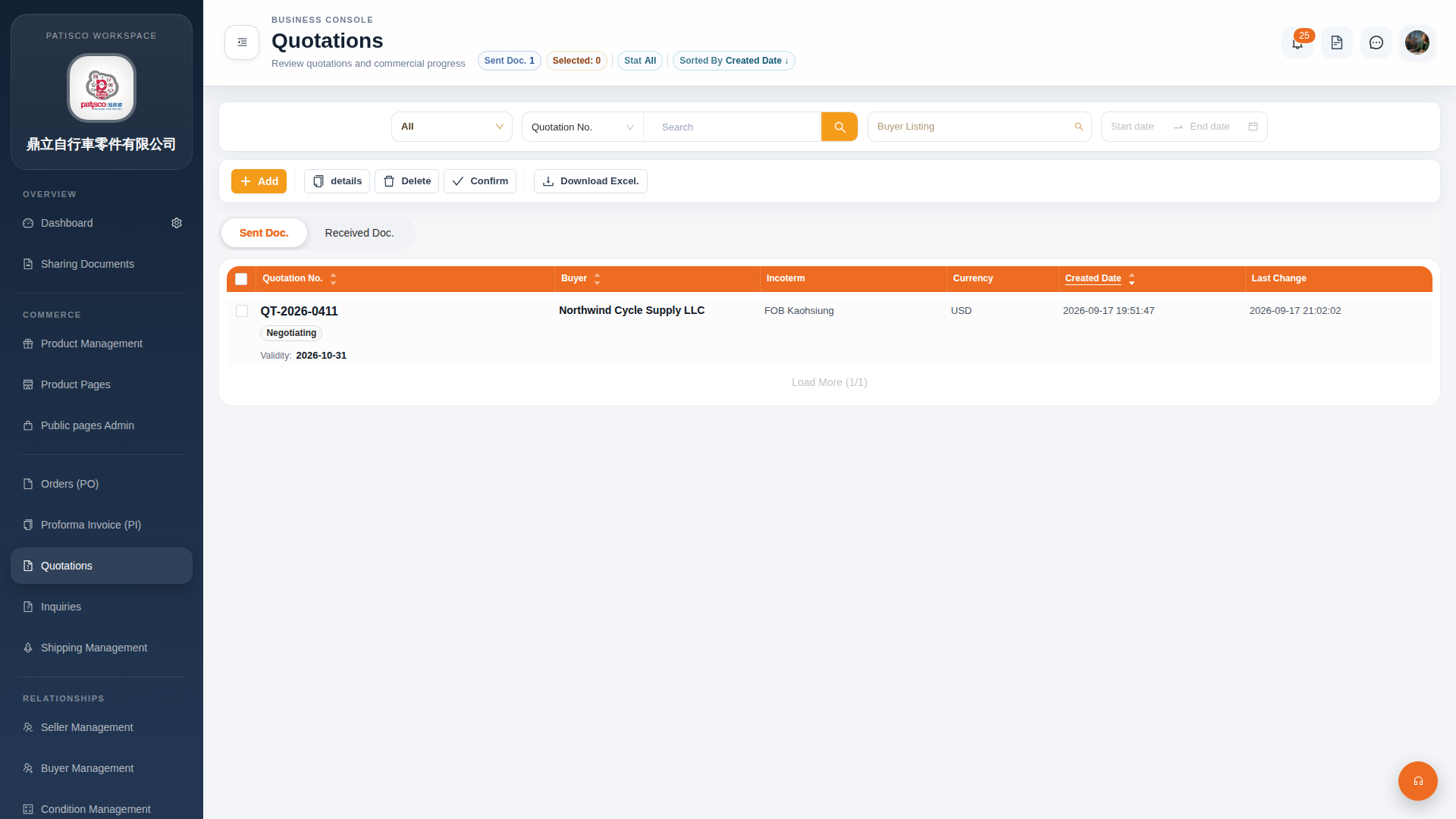 G4 桌面版|Quotations(報價單管理)