
1. Add: Click the orange "+ Add" button at the top left of the list, fill in the quotation information, and save. 2. View Details: Check the quotation in the list and click the "details" button, or directly click the quotation number in that row. 3. Confirm Quotation: Check the target quotation and click the "Confirm" button. 4. Delete: Check the target quotation and click the "Delete" button. 5. Export Excel: Click the "Download Excel." button at the top right of the list to download the Excel file of the quotation data.
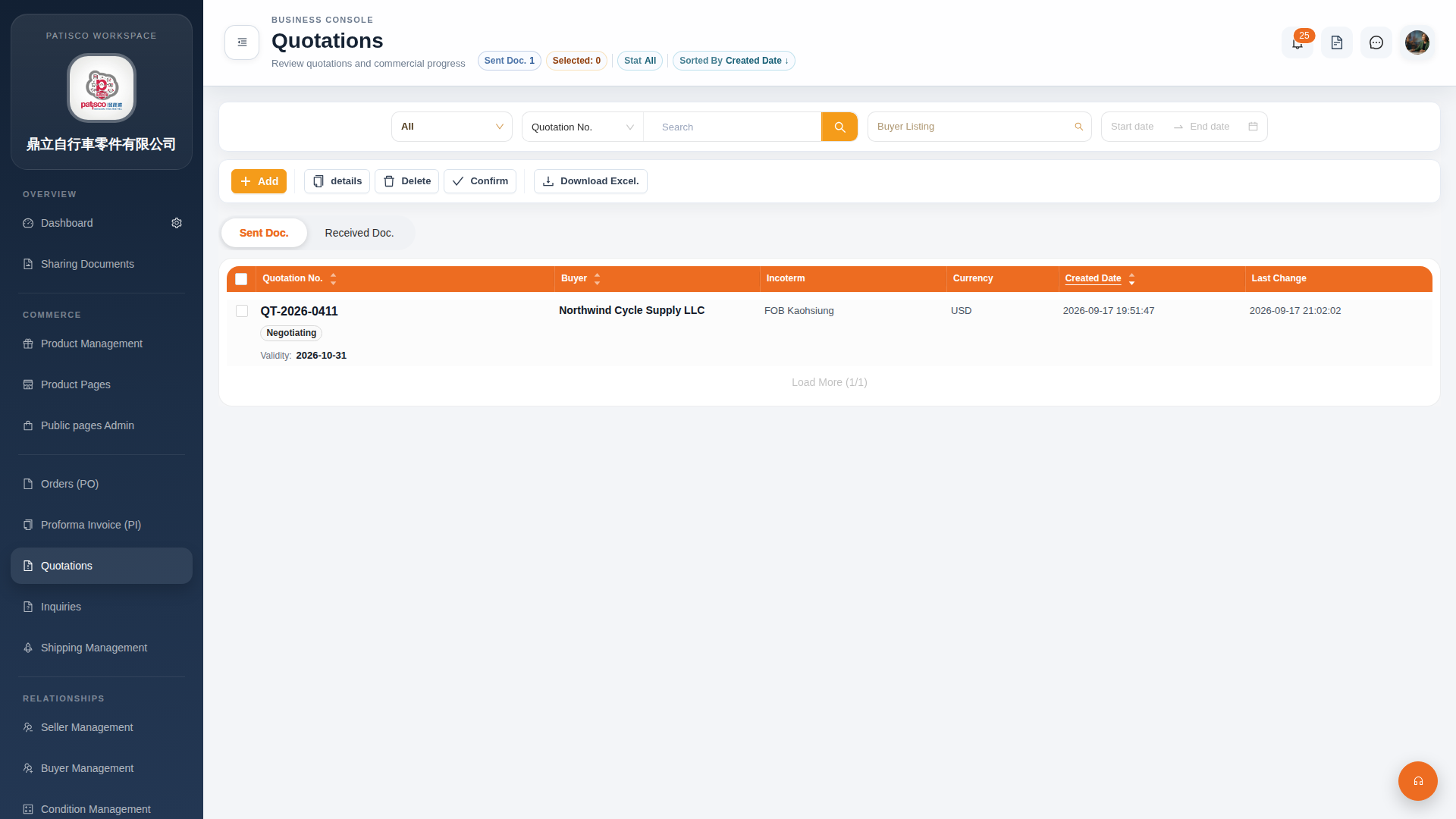 G4 桌面版|Quotations(報價單管理)