
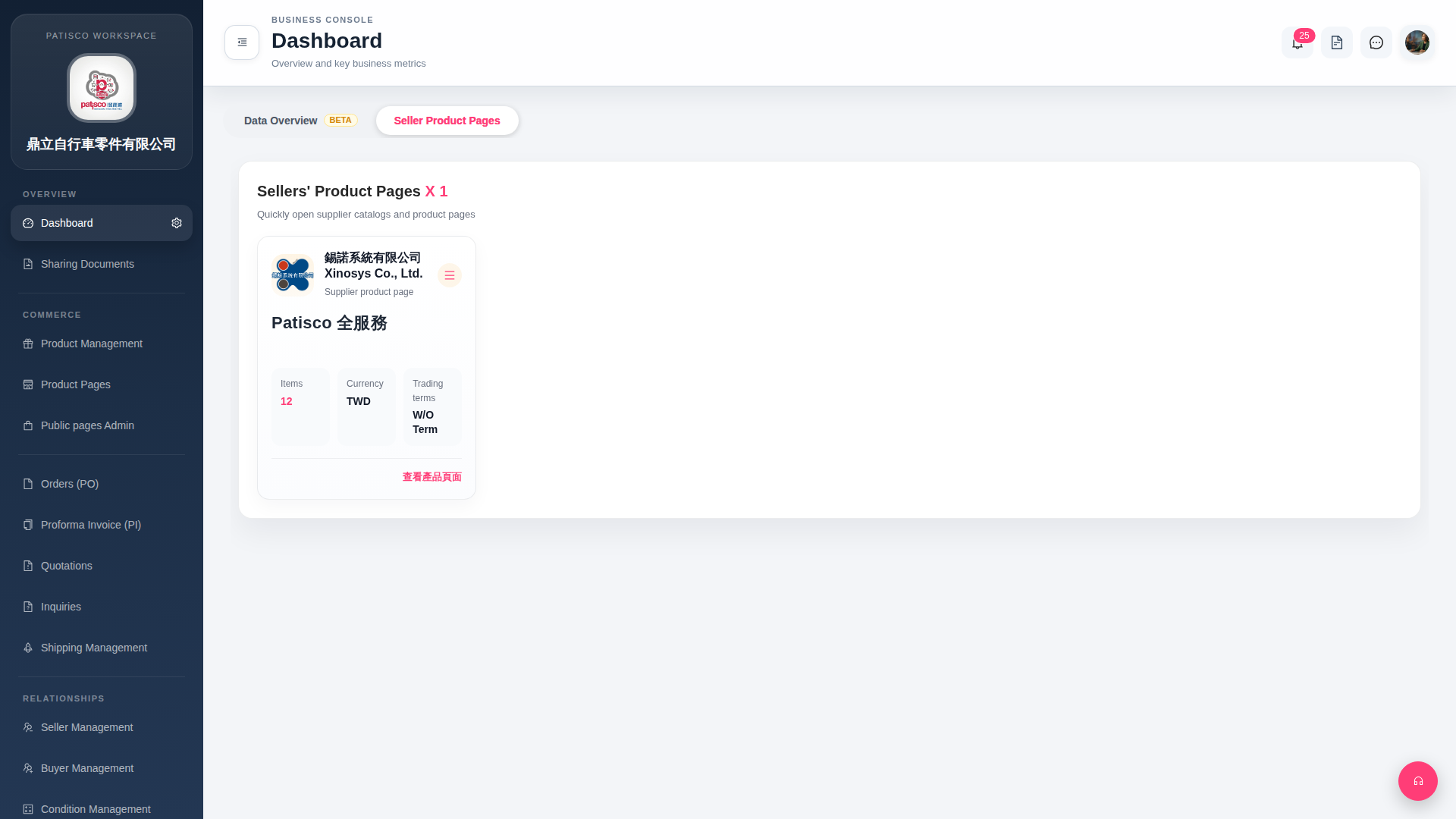
1. In the Dashboard page, find the "Notification Bell (25)" icon in the top right corner of the top navigation bar. The number indicates that there are currently 25 unread notifications. 2. Click the bell icon directly to expand and view the latest notifications or pending items. 3. If you need to switch to the business data overview, click the "Data Overview BETA" tab at the top of the page (Beta feature) to view related data.
 G4 桌面版|Dashboard