
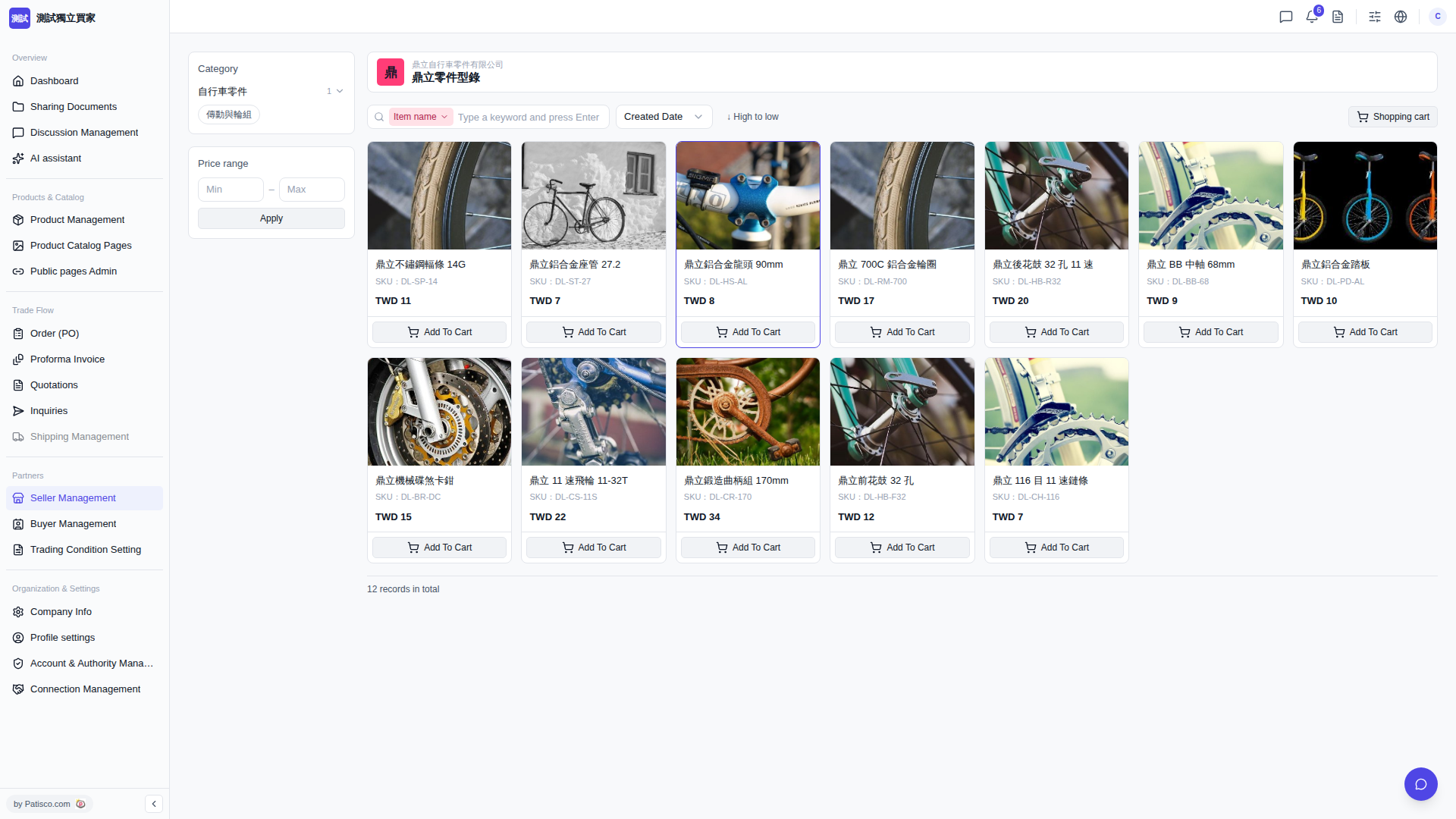
1. After opening a seller's catalog page (for example, "Ding Li Parts Catalog"), a Category filter menu will be displayed on the left or top. Click the category you want (for example, "Bicycle Parts > Drive & Wheel") to filter. 2. To filter by price, find the Price range field, enter the minimum and maximum amounts, then click "Apply" to apply the filter. 3. The product list will be reordered based on sorting options such as Item name, Created Date, Price (High to low). Click the corresponding button to switch the sorting.
 V5 新桌面版|buyer.catalog.open