
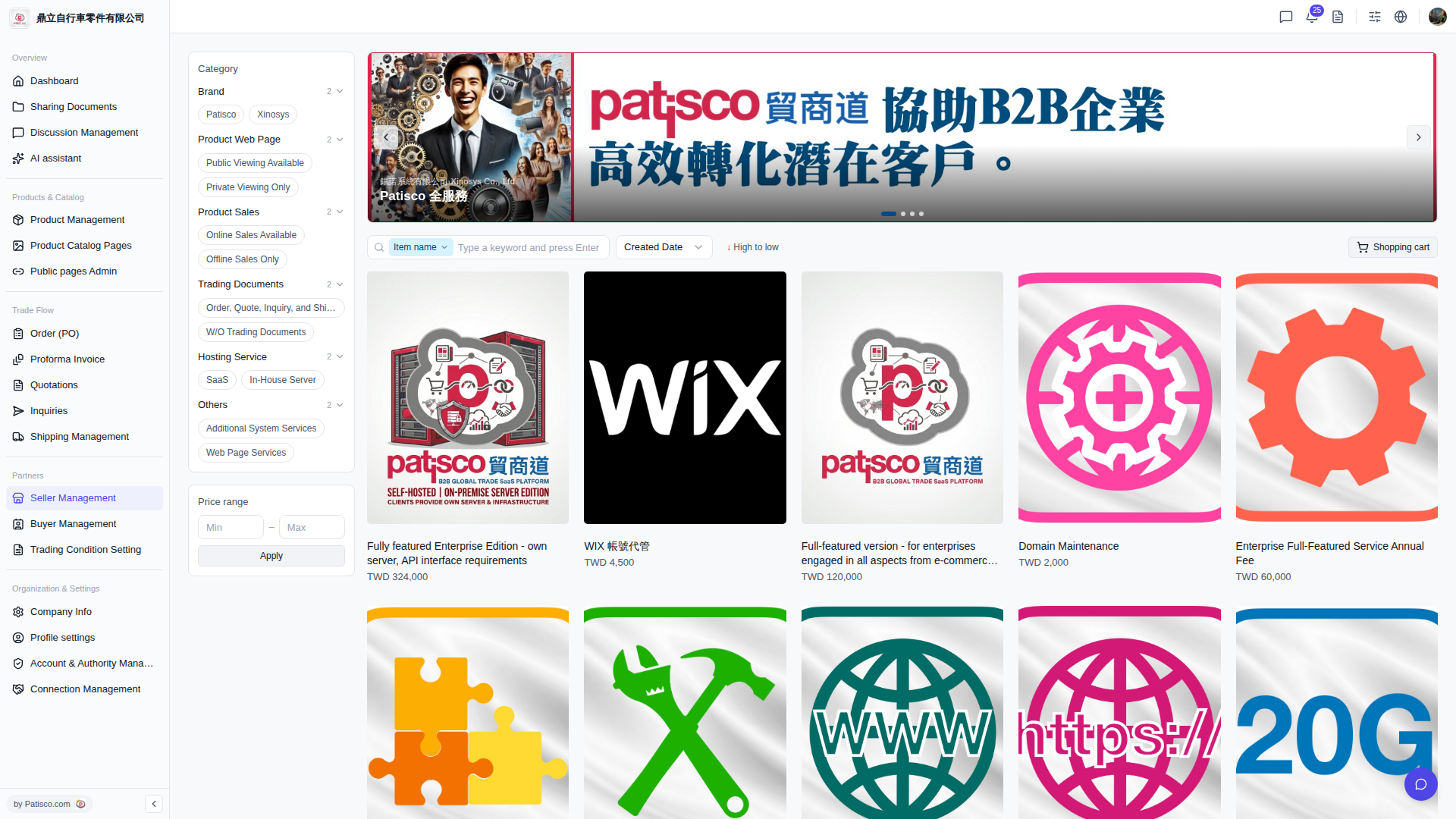
1. After logging in to the V5 desktop version, go directly to the catalog page using the address bar (format: `/sellers/{seller ID}/catalogs/{catalog ID}`). 2. Once the page loads, you can view the catalog contents. This catalog contains 15 images.
You can ask the AI assistant: "What products are in this catalog?" The AI will respond: "This catalog currently contains 15 images. You can further browse the detailed information of each product."
 V5 新桌面版|catalog.open