
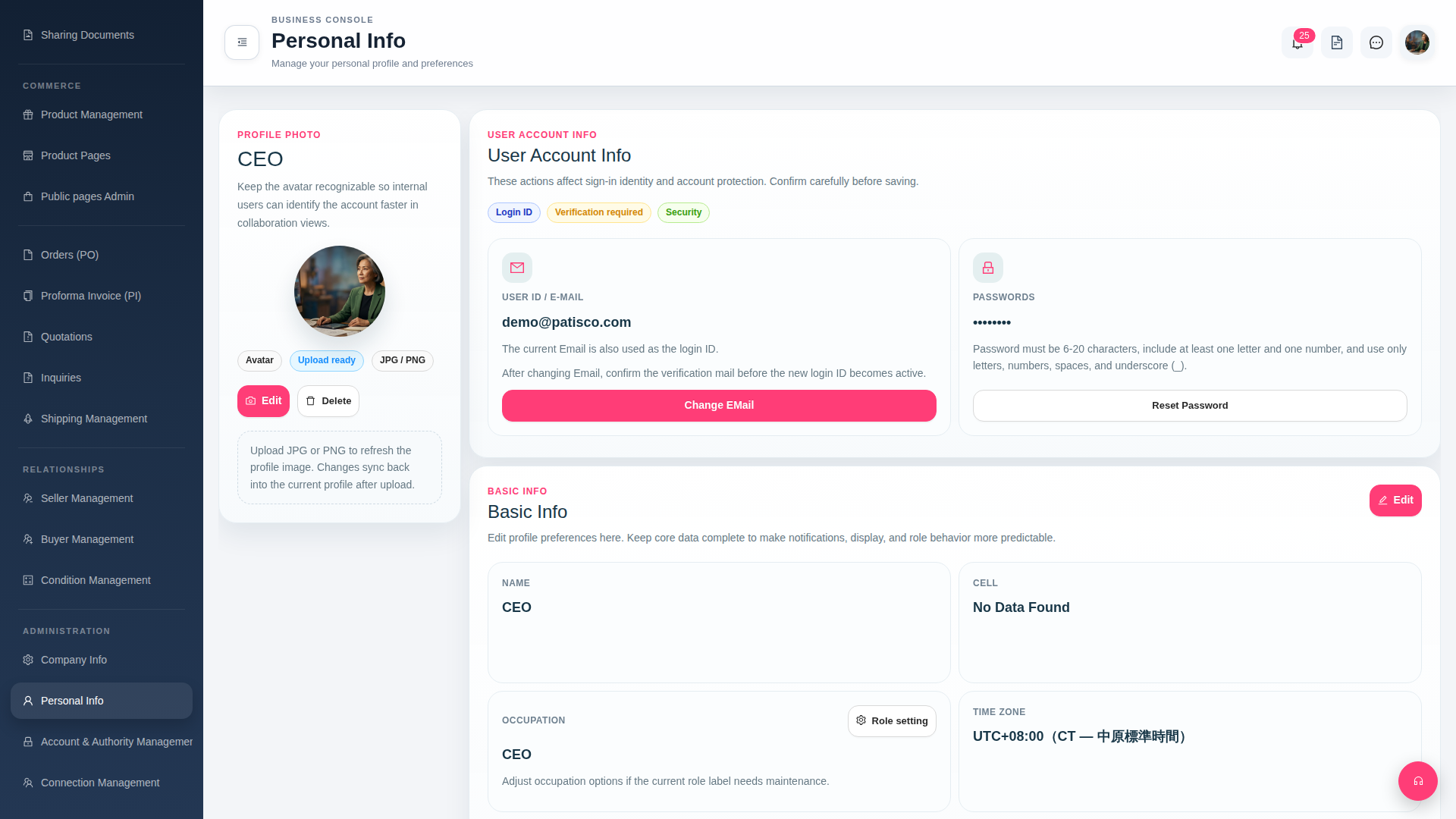
1. Find "Personal Info" under the "ADMINISTRATION" category in the left sidebar to enter the personal information page. 2. In the PROFILE PHOTO section, click the "Edit" button in the bottom left of the avatar. 3. Upload an image in JPG or PNG format. 4. After uploading, click the "Upload ready" button above the avatar to confirm the application, and the avatar will be officially updated.
To delete an existing avatar, click the "Delete" button next to "Edit".
 G4 桌面版|Personal Info