
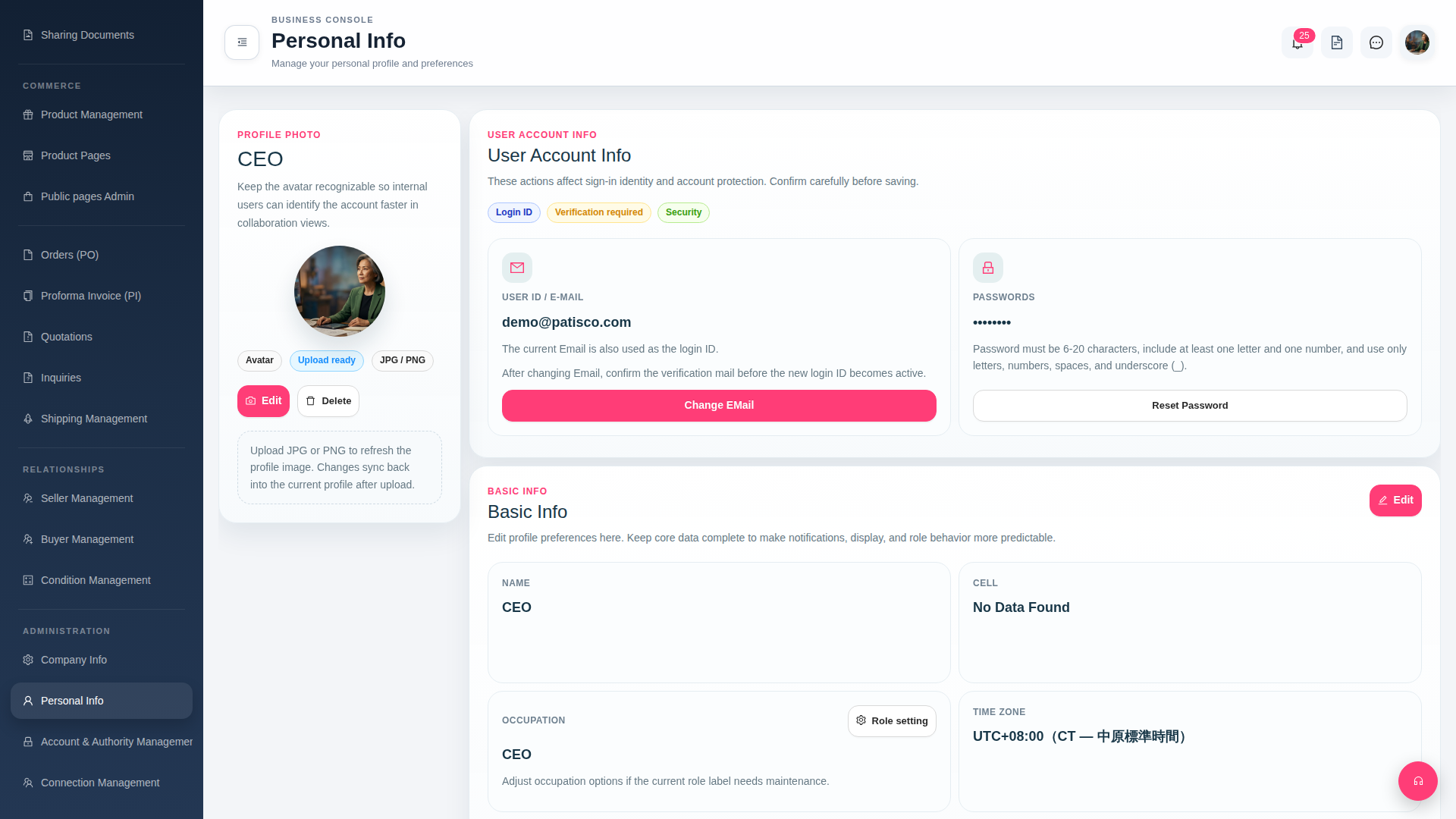
Change email: 1. After entering the "Personal Info" page, find the USER ACCOUNT INFO section. 2. Click the red "Change EMail" button in the center. 3. Enter a new email address, and the system will send a verification email to the new mailbox. 4. After receiving the verification email and confirming it, the new email will officially become the login ID.
Reset password: 1. Also in the USER ACCOUNT INFO section, click the "Reset Password" button on the right. 2. Set a new password according to the rules: 6–20 characters, must include letters and numbers, and can use underscores.
 G4 桌面版|Personal Info