
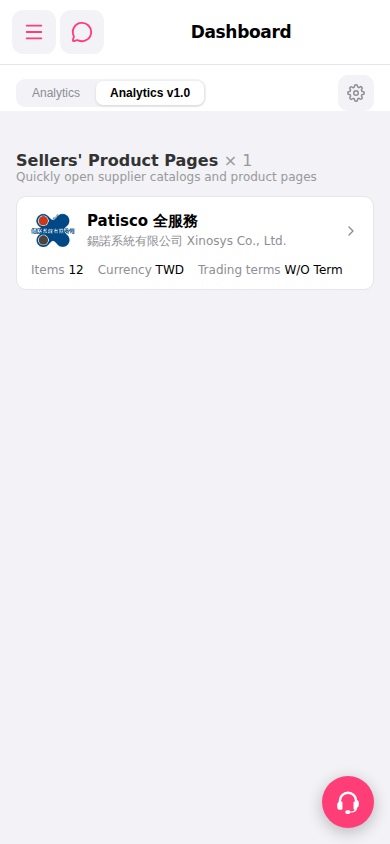
1. After opening the mobile version of Patisco, the Dashboard is the home page with the "Analytics v1.0" tab selected by default (the currently active tab in the tab list). 2. The "Sellers' Product Pages" section in the middle of the page lists the supplier cards you have linked, such as "Patisco Full Service". 3. On each card you can quickly check basic information such as the number of items (Items), currency (Currency), and trading terms (Trading terms). 4. To switch to other analytical views, click the "Analytics" tab on the left side of the tab list.
 手機版|Dashboard