
1. On the Dashboard page, make sure you are currently on the "Analytics v1.0" tab. 2. Find the supplier card in the central card list (for example, "Patisco Full Service"). 3. Click the arrow (>) on the right side of the card to enter that supplier's product catalog page. 4. The product catalog page displays all products from that supplier, including detailed information such as Currency and Trading terms. 5. If you encounter any problems during the operation, click the "🎧 Support" floating button in the bottom right corner to contact the support team.
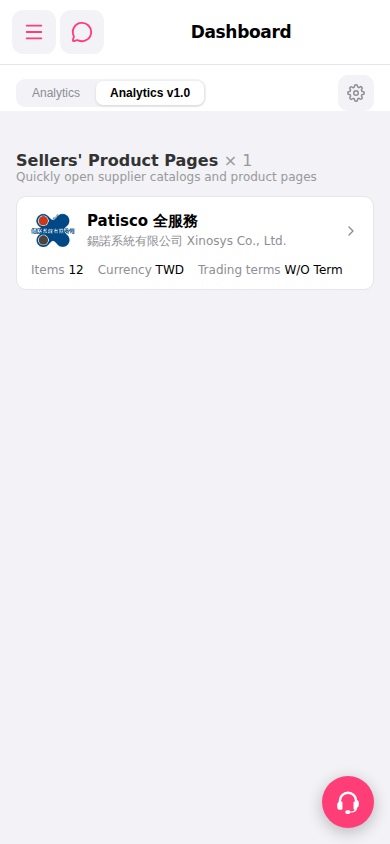 手機版|Dashboard