
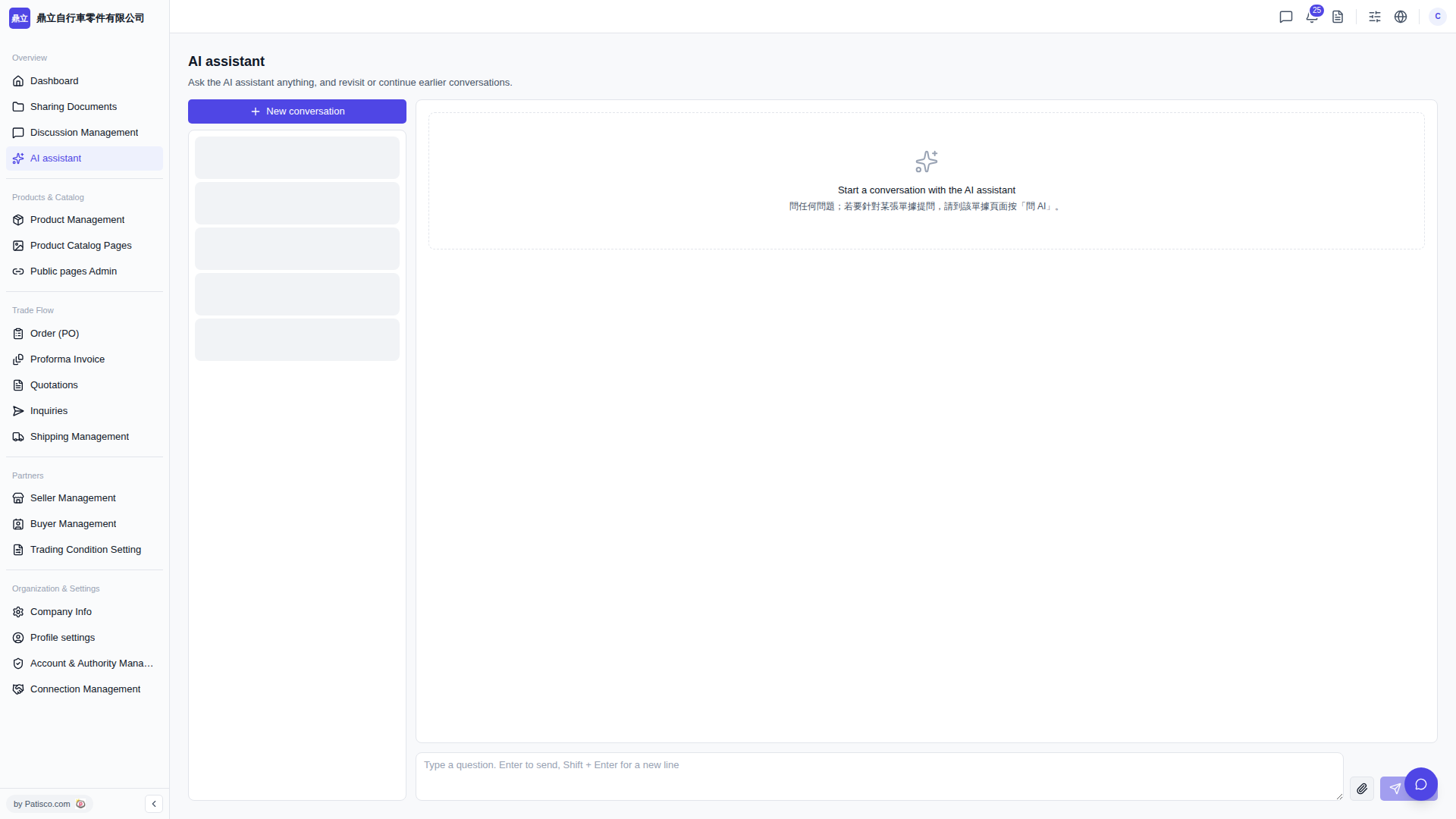
1. Go to https://v5.patisco.com/ai-assist to enter the "AI assistant" page. 2. Click the "+ New conversation" button at the top of the conversation list on the left to create a new conversation window. 3. In the input box at the bottom of the main section on the right (showing the hint text "Type a question..."), enter your question. 4. Press Enter to send, or press Shift + Enter to break lines and continue typing before sending. 5. Wait for the AI assistant's response. To follow up with another question, simply enter it in the same conversation's input box.
 V5 新桌面版|AI assistant