
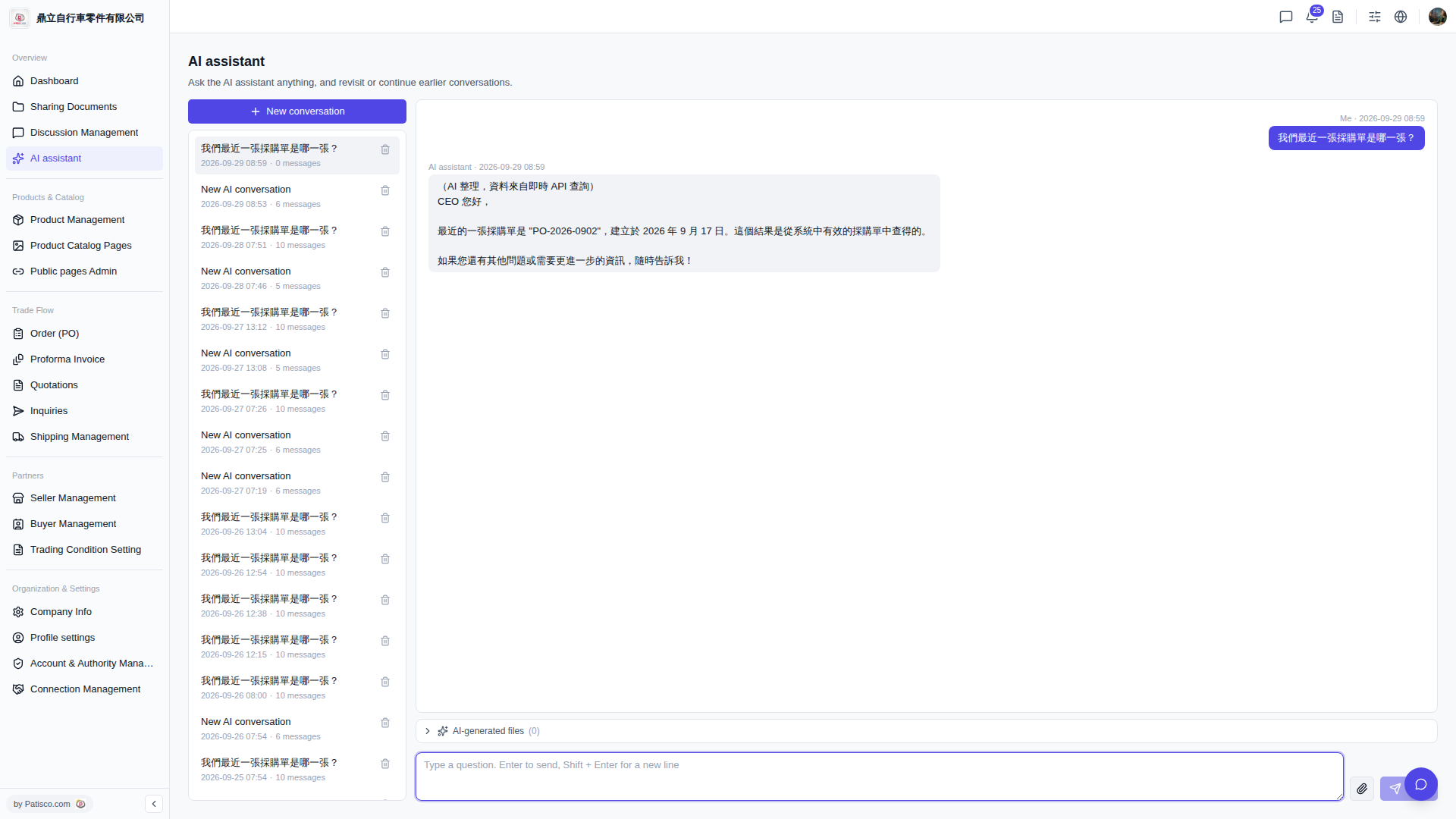
1. After entering the V5 new desktop version, open the "AI assistant" page. 2. Click the "+ New conversation" button at the top of the conversation list on the left side to create a new AI conversation. 3. In the input box at the bottom right of the page (with placeholder text "Type a question. Enter to send, Shift + Enter for a new line"), enter your question. 4. Press Enter to send, or click the arrow icon on the far right of the input box to submit your question. 5. Wait for the AI assistant to display the reply in the conversation area.
 V5 新桌面版|AI assistant