
Upload attachments: 1. After opening or creating a conversation, click the paperclip icon (attachment button) in the bottom right corner of the input box. 2. Select the file you want to upload. After upload is complete, enter your question and click the send button (arrow icon) to submit.
Ask about specific documents: 1. Leave the AI assistant page and go to the document page you want to ask about (e.g., an order or quotation). 2. On that document page, click the "Ask AI" button, and the system will automatically include the document content in the conversation without needing to manually copy and paste.
View conversation history: - Previous conversations will be listed in the left panel. Click any to reopen and continue browsing or follow up.
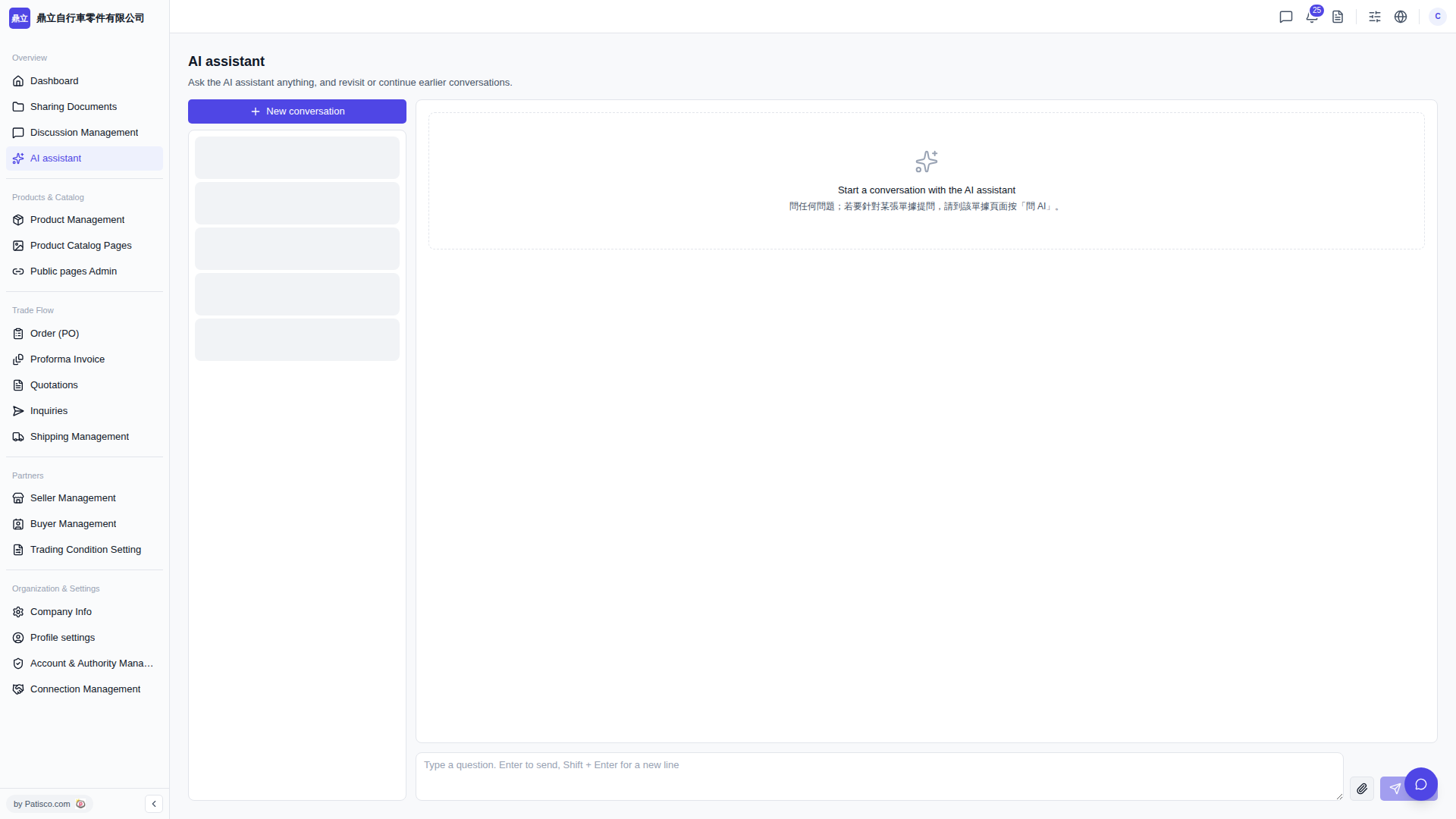 V5 新桌面版|AI assistant