
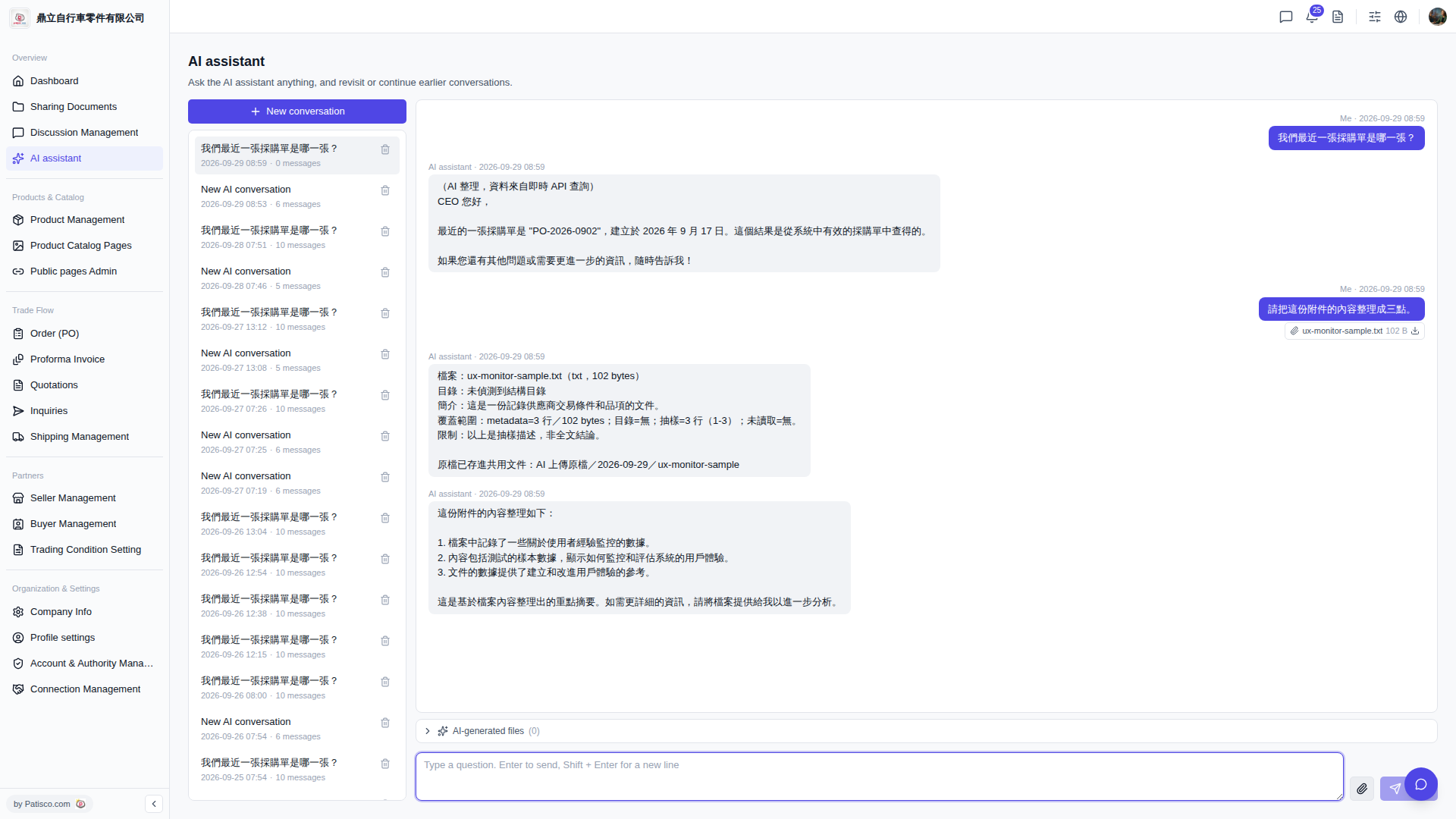
1. On the "AI assistant" page, you can see all historical conversation lists on the left side. 2. Click on any list item to switch to that conversation record. 3. To delete a conversation, click the "trash icon" on the right side of that item. 4. If the AI has generated output files, you can expand the "AI-generated files (0)" at the bottom of the conversation area to view them; individual attachments can be downloaded by clicking the "download icon".
Small reminder: Uploaded original files are automatically stored in a shared documents folder (path: AI uploaded files / date / file name), making it convenient for later retrieval.
 V5 新桌面版|AI assistant