
1. Open the mobile version of Patisco and go to the "New AI conversation" page (URL: mobile.patisco.com/main/topic). 2. Confirm that the mode displayed at the top of the screen shows "General conversation". 3. Click on the input box "Ask AI a question..." at the bottom of the screen and enter your question. 4. After entering your question, click the pink airplane icon (send button) on the right side of the input box to send the message. 5. The AI's response will appear in the conversation area above. Wait a moment to see the result. 6. After asking, click the back arrow "<" in the top left corner to return to the conversation list.
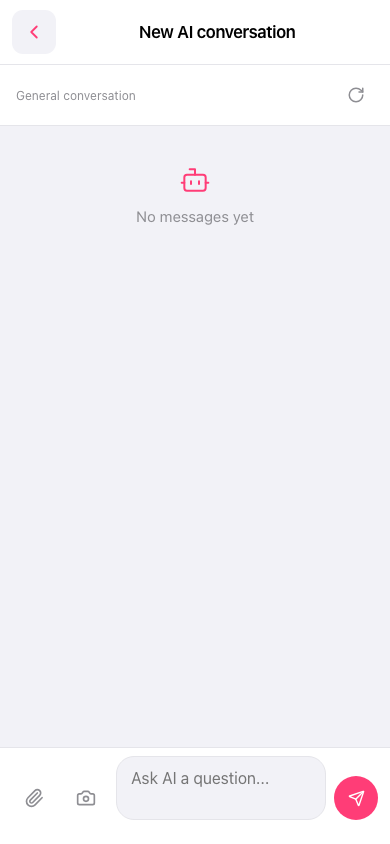 手機版|新 AI 對話