
Yes, you can. The AI conversation page input area at the bottom provides two attachment functions: 1. Click the attachment icon (paperclip) on the bottom left to attach a file to the conversation. 2. Click the camera icon on the left side of the input area to take a photo or upload an image to the conversation. 3. After attaching, enter a description in the input box and click the send button (paper airplane icon) on the bottom right to send everything together.
If you want to start a new conversation, click the refresh/reset button in the top right. To return to the conversation list, click the back arrow "<" in the top left.
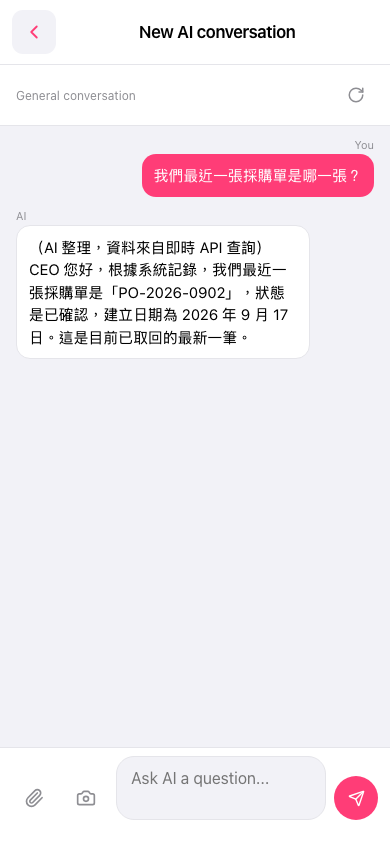 手機版|AI 對話(New AI conversation)