
1. Click the "Shopping cart" icon in the top right corner of the page. 2. You can view all the added products and confirm the content is correct before proceeding with the subsequent purchasing process.
Note: If you want to ask the AI assistant, you can ask like this: "How do I confirm what products are in my shopping cart?" The AI will respond like this: "Click the Shopping cart icon in the top right corner to view all products currently in your shopping cart."
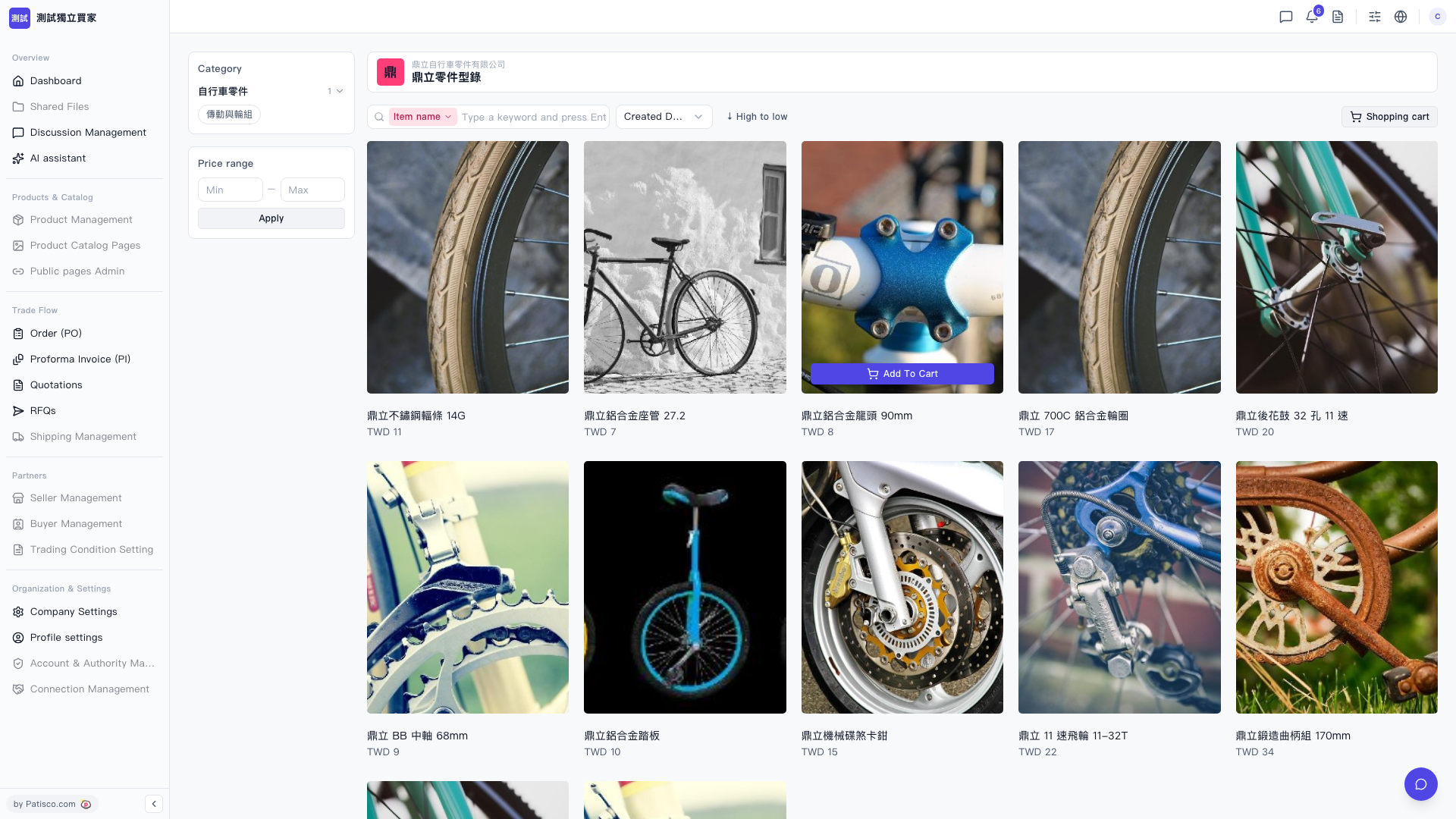 V5 新桌面版|鼎立零件型錄