
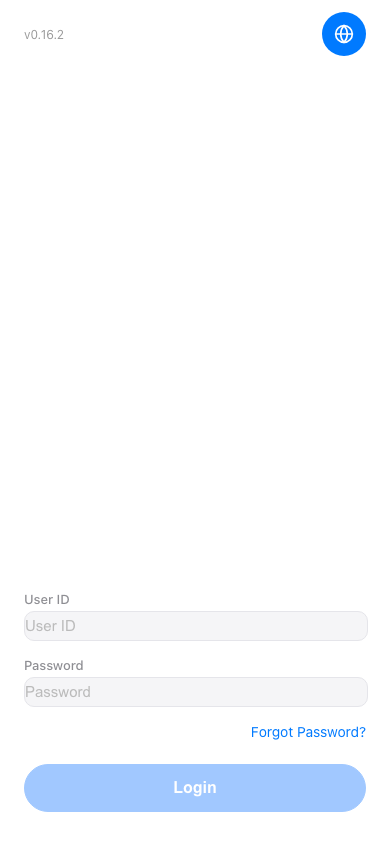
1. Open https://mobile.patisco.com/logon in your mobile browser to access the login page. 2. If you need to change the language, click the globe icon in the top right corner and select your preferred language. 3. Enter your User ID in the "User ID" field. 4. Enter your password in the "Password" field. 5. Once you've confirmed the details are correct, click the "Login" button to complete the login.
 手機版|登入