
There are two ways to view folder contents: - Quick expand: Click the ">" arrow on the left side of the folder row to expand sub-items on the current page. - Direct entry: Click the folder name itself to enter the folder and browse the files within.
To rename, delete, or share a folder, click the "⋮" three-dot menu on the right side of the row and select the desired operation from the menu.
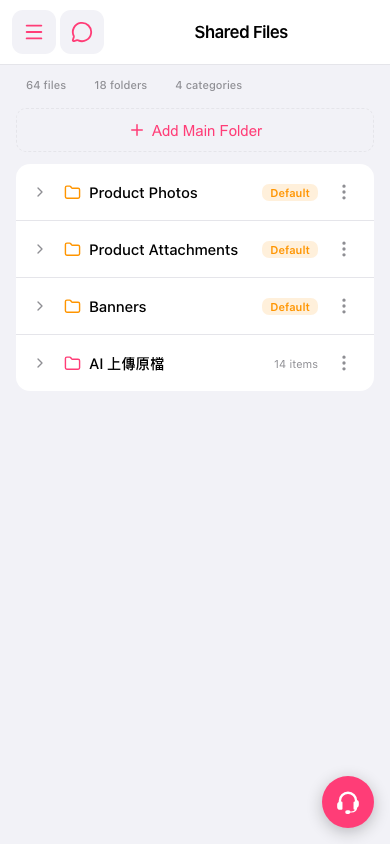 手機版|共享檔案(Shared Files)