
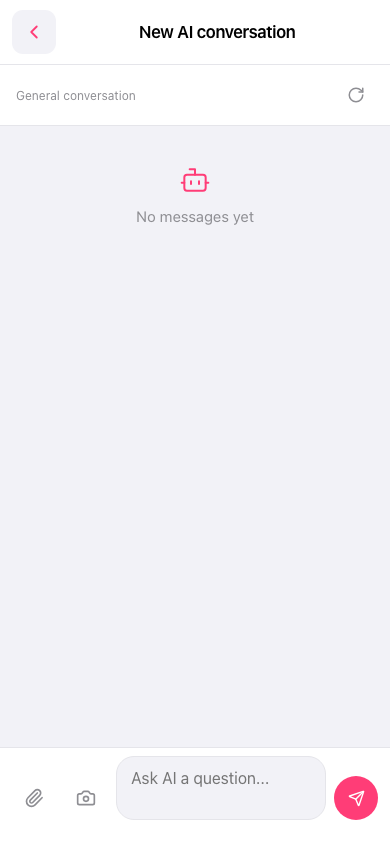
Yes, there are two ways: 1. Upload attachment: Click the "attachment (paperclip icon)" on the left side of the input field at the bottom and select the file you want to upload. 2. Upload image: Click the "camera icon" next to the paperclip to take a photo directly or select an image from your album. 3. After adding an attachment or image, click the pink send button (paper airplane icon) on the right to send it to the AI for analysis together.
If you want to start a new conversation, you can click the "refresh/mode switch" icon in the top right corner to reset the conversation.
 手機版|AI 對話