
1. If you want to reset the conversation context or start a new conversation, click the "↺" refresh button in the top right corner. 2. If you want to return to the conversation list or the previous page, click the "<" back button in the top left corner. 3. If you need to attach a file to the conversation, click the "📎" attachment button on the left side of the input field to upload a file; if you need to take a photo or upload an image, click the "📷" camera button next to it.
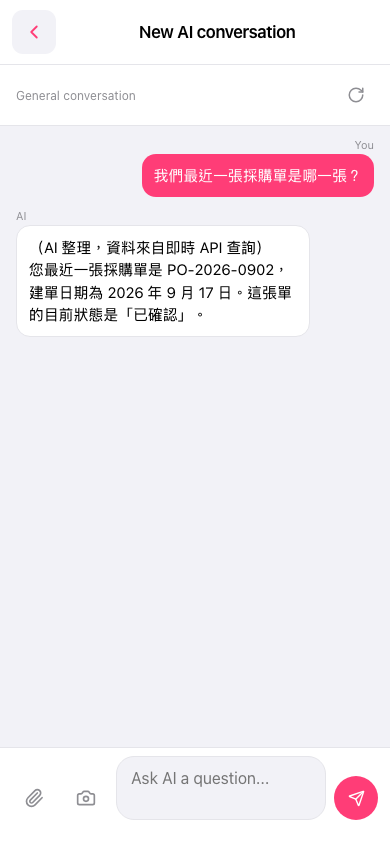 手機版|AI 對話助理