
1. After entering the Dashboard, the tab bar at the top of the page shows "Analytics v1.0" selected by default. To switch to the older version, click the "Analytics" tab next to it. 2. The "⚙️" gear icon in the top right is used to open Analytics settings. Click it to adjust Analytics-related settings. 3. If you need customer service assistance, you can click the pink "🎧" headphone floating button in the bottom right corner to open customer support.
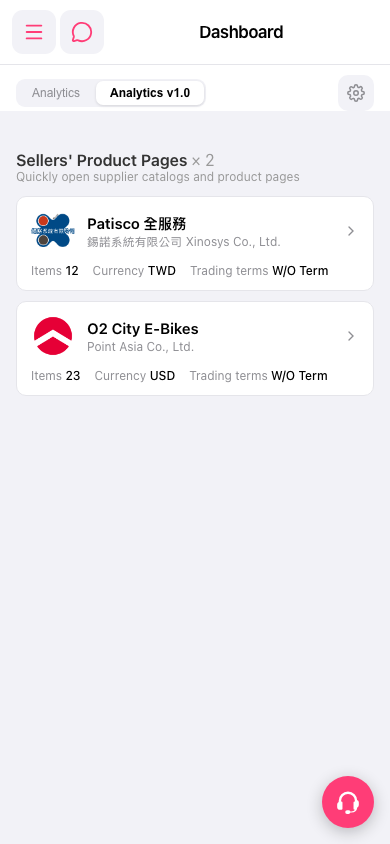 手機版|Dashboard