
【Add】 1. On the "Discussions" page, click the "+ Add" button to the right of the search bar. 2. Enter the relevant information for the topic and save to create a new discussion topic.
【Delete】 1. Find the topic you want to delete in the discussion list. 2. Click the "🗑️ (Trash icon)" on the right side of that row. 3. Confirm to complete the deletion.
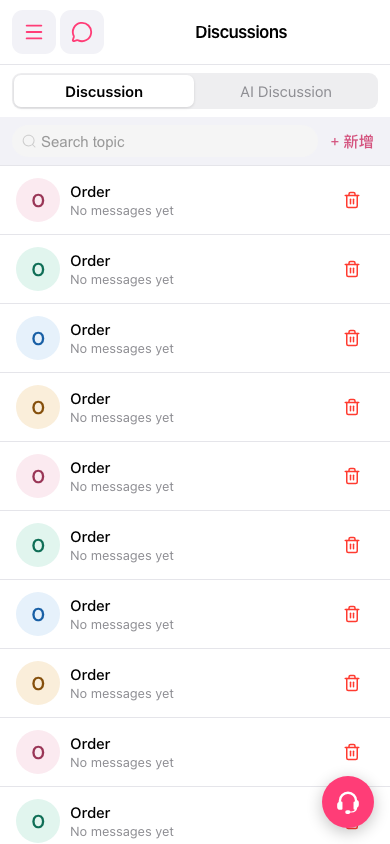 手機版|討論區(Discussions)