
Yes, follow these steps: 1. Open the New AI conversation page and tap the icon next to the Ask AI a question... input field at the bottom. 2. To attach a file, tap the first icon on the left (paperclip) and select the file you want to upload. 3. To attach a photo, tap the second icon on the left (camera) and either take a new photo or select one from your photo library. 4. After confirming the attachments and message content, tap the pink paper airplane icon (send button) on the right to submit everything together. 5. To start a new conversation, tap the refresh icon (↺) in the top right corner to clear the current conversation.
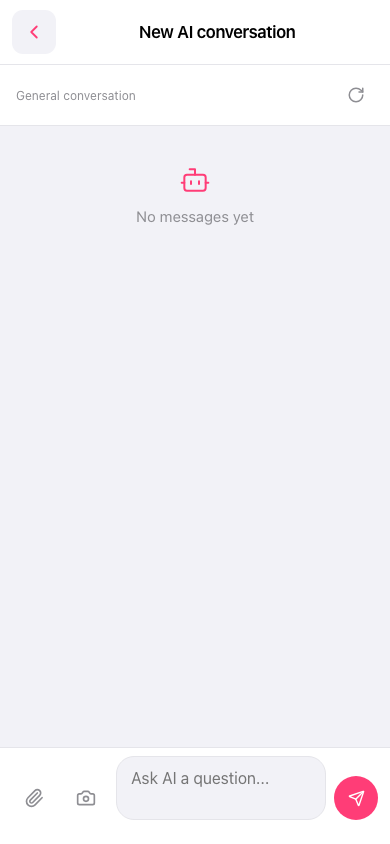 手機版|New AI conversation(新 AI 對話)