
1. The tab bar displays "Analytics v1.0" by default (currently selected). To switch to the general version, click the "Analytics" tab next to it. 2. Click the "⚙ Settings" icon in the upper right corner to open Analytics settings or page display settings to adjust how the Dashboard is presented. 3. To switch to other feature modules, click the "≡ Hamburger Menu" in the upper left corner to expand the sidebar for navigation.
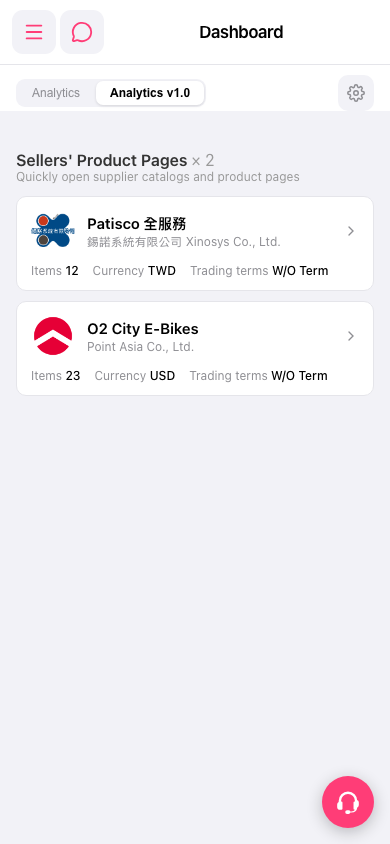 手機版|Dashboard