
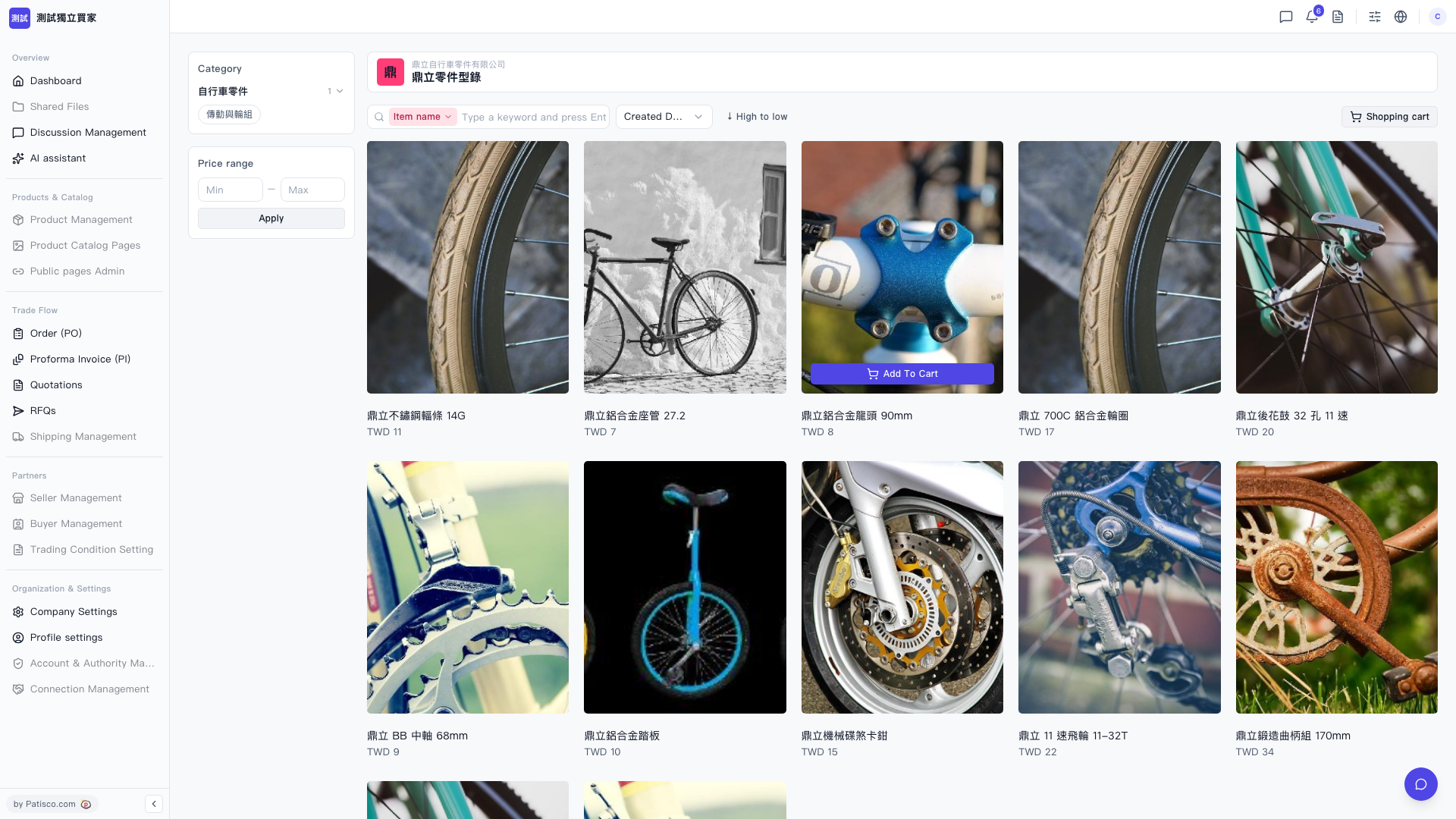
1. On the product card, hover your mouse over the product you want to purchase, and a floating "Add To Cart" button will appear in the center of the card. Click it to add the product to your shopping cart. 2. After repeating the above action to add all desired products, click the "Shopping cart" icon in the top right corner to view the added products and proceed with the purchase process.
 V5 新桌面版|鼎立零件型錄