
1. Check conditions such as "Brand", "Public Display Requirement", "Sales Method Requirement", "Trade Unit Requirement", or "System Service Method" in the left filter panel. 2. In the search bar above the list, first click the "Product Name" on the left to select the field you want to search (you can also switch to other conditions like SKU), then enter keywords and press Enter to search. 3. If you want to limit the price range, enter the minimum and maximum price in the left filter panel, then click "Apply" to apply the price range filter. 4. When you need to adjust the order, click "Creation Date" in the toolbar above the list to sort by date, or click "High to Low" to switch the price sorting direction.
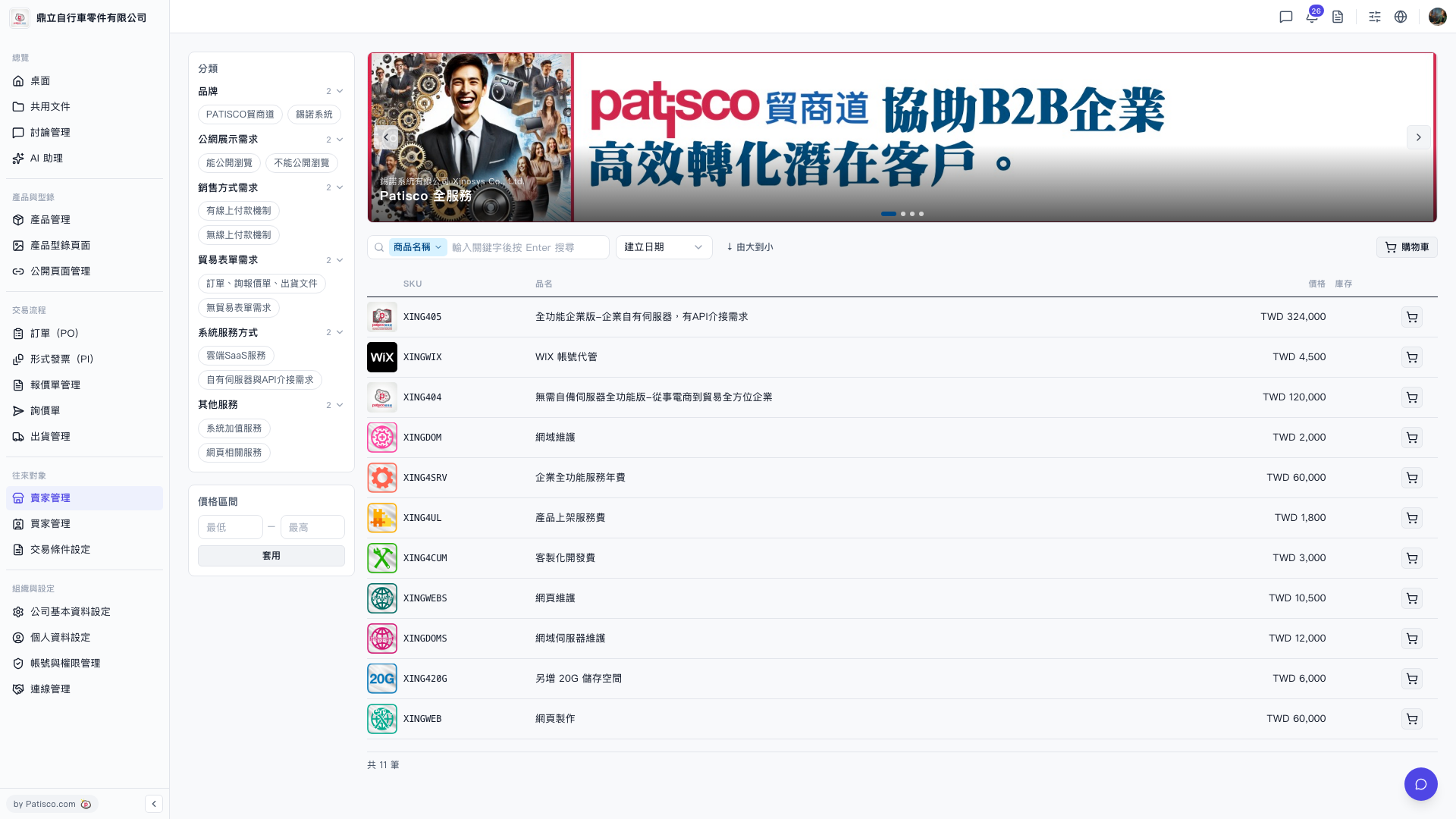 V5 新桌面版|貿家管理 - 產品目錄列表