
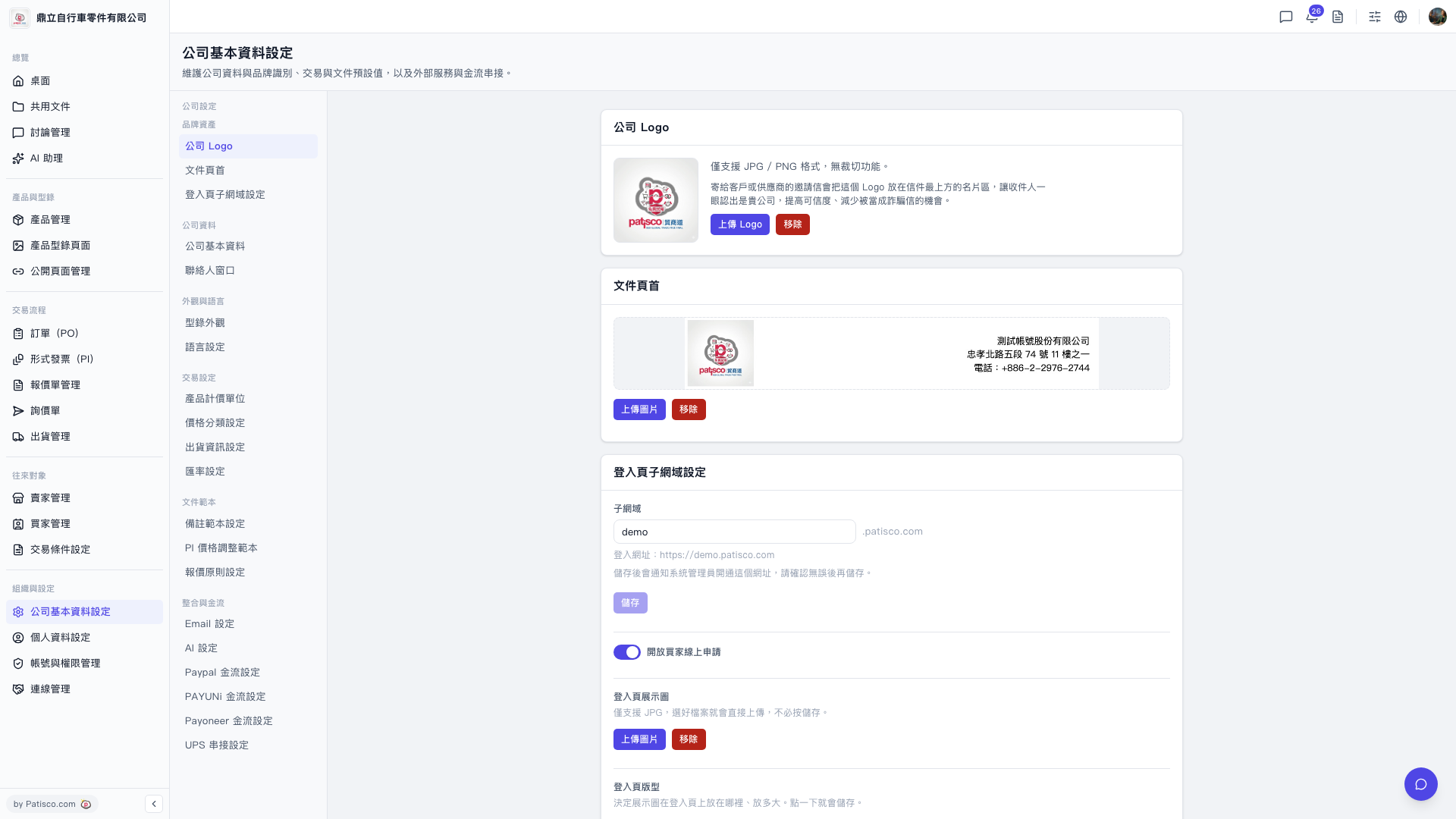
1. Go to the "Company Basic Settings" page (URL: v5.patisco.com/company-basic). 2. Find the "AI Settings" section and confirm that the status is "Enabled". 3. In the "AI Supplier" dropdown menu, select the supplier you want to use. Currently, you can choose "ChatGPT" or "Claude". 4. In the "Model" dropdown menu, select the corresponding model, such as "GPT-4o" or "GPT-4o Mini". 5. Enter the correct "API Key". 6. Click the "Update Settings" button. The supplier, model, and API Key will be sent and saved together. These three items must be sent together to take effect; simply modifying the values on the screen will not automatically apply them.
 V5 新桌面版|ai.config