
1. After opening Patisco mobile version, start the AI assistant and confirm that the page header displays "New AI conversation", which indicates a new conversation has been successfully opened. 2. Tap the input field at the bottom of the screen "Ask AI a question..." and type your question or instruction. 3. After entering your question, tap the pink send button (plane icon) on the right side of the input field to send the message and wait for the AI response.
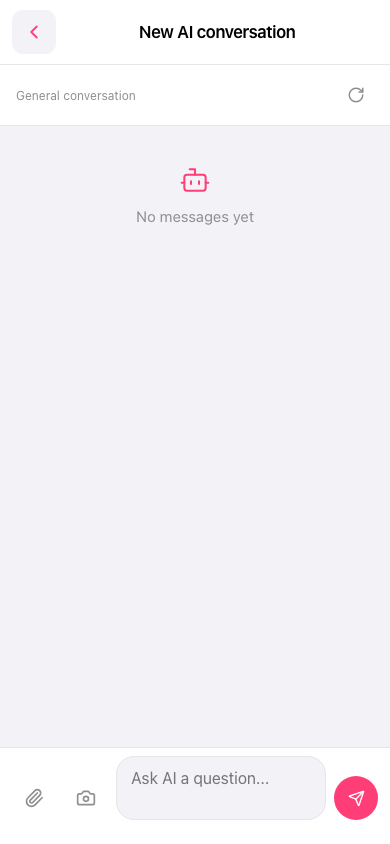 手機版|新 AI 對話(New AI conversation)