
1. To attach files or images: On the input field at the bottom, tap the "attachment icon" to upload files; tap the "camera icon" (to the right of the attachment icon) to take a photo or select an image from your gallery to assist the AI query. 2. To start a new conversation: Tap the "refresh button" (↺) in the top-right corner to switch or open a new conversation. 3. To return to the previous page: Tap the "back button" (<) in the top-left corner to go back to the conversation list or previous page.
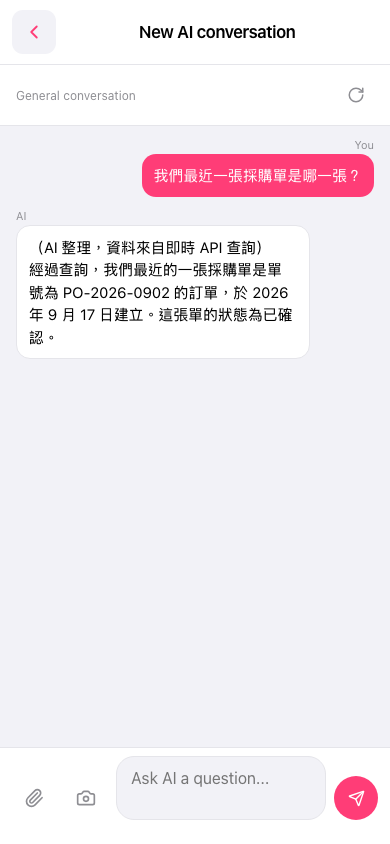 手機版|AI 對話助理