
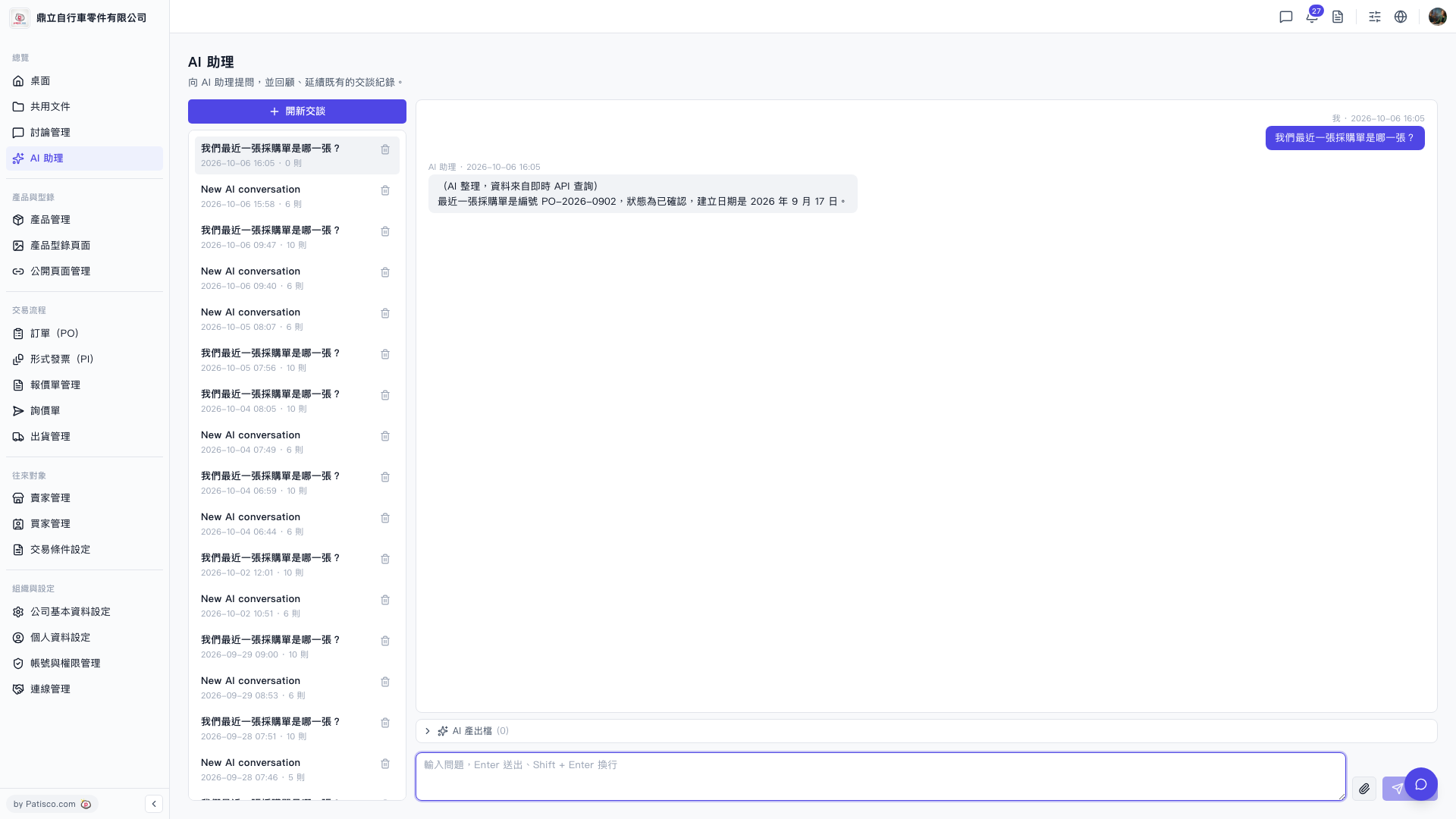
1. After sending your question and receiving the AI response, find the "AI Generated Documents (0)" section below the conversation area and expand it. 2. Click on that section to expand it and view the documents and data that the AI has generated or associated based on this conversation. 3. If the number shows 0, it means this conversation has not yet generated any associated documents.
Note: If you want to upload a file for the AI to reference, click the "Attachment (paperclip icon)" at the bottom left of the input box to upload the file before asking your question.
 V5 新桌面版|AI 助理