
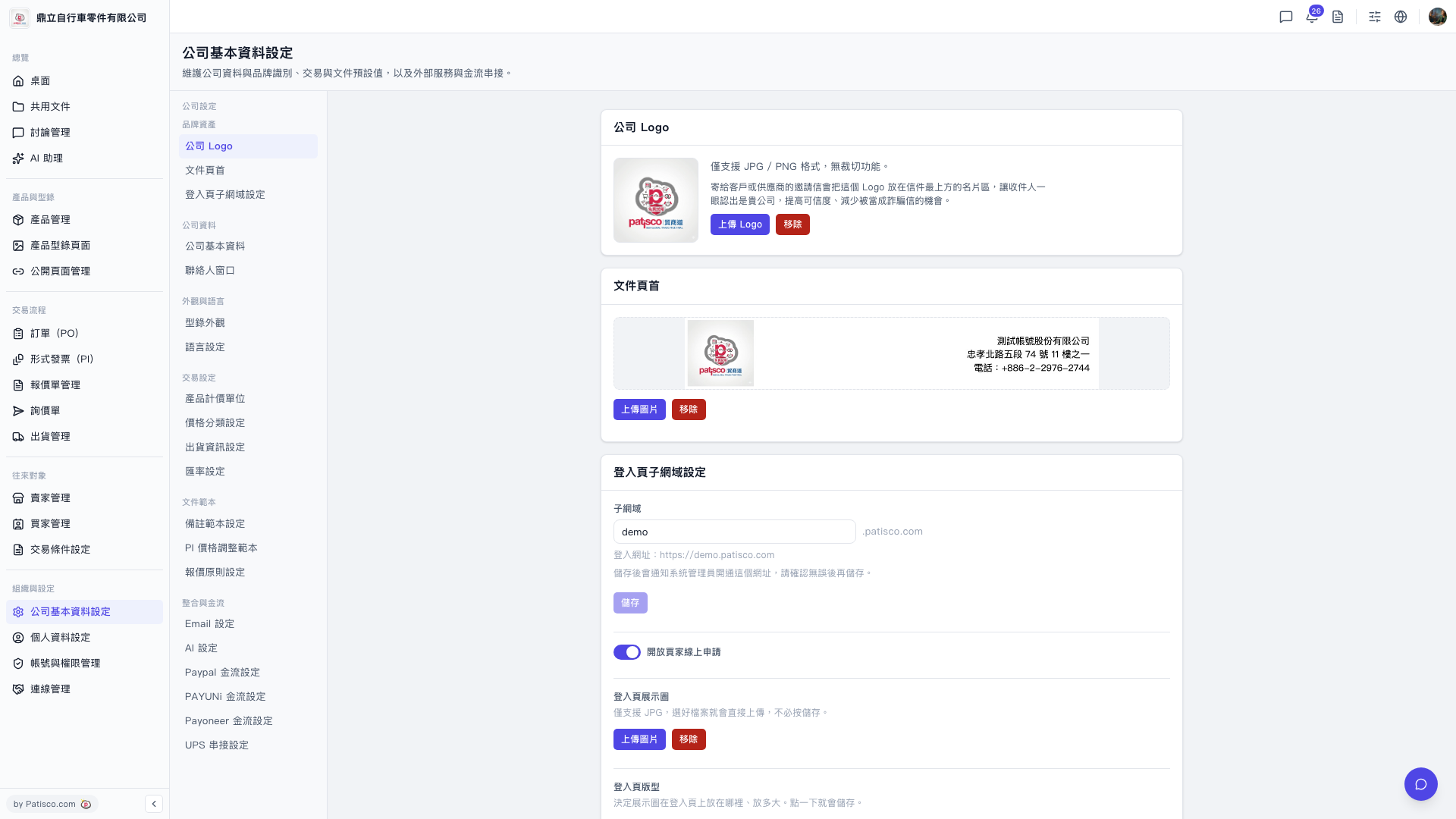
1. Go to the "Company Basic Settings" page (URL: v5.patisco.com/company-basic). 2. Find the "AI Settings" section and confirm that the current status is "Enabled". 3. In the "AI Provider" dropdown menu, select the provider you want to use. Currently you can choose ChatGPT or Claude. 4. In the "Model" dropdown menu, select the corresponding model, such as GPT-4o or GPT-4o Mini. 5. Enter the API Key for that provider. 6. After confirming that the provider, model, and API Key are all filled in, click [Update Settings]. All three pieces of data will be sent together and saved upstream. None can be missing.
 V5 新桌面版|ai.config