
1. Find the target product in the product list and click the "Shopping Cart (Add to Cart)" icon on the far right of that row to add the product to your shopping cart. 2. After adding it, click the "Shopping Cart" icon in the top right corner of the page to view the current shopping cart contents, confirm the list of products added, and proceed with the subsequent procurement process.
📌 Key columns displayed in the list include: SKU, Product Name, Price, and Stock, which can serve as reference for procurement decisions.
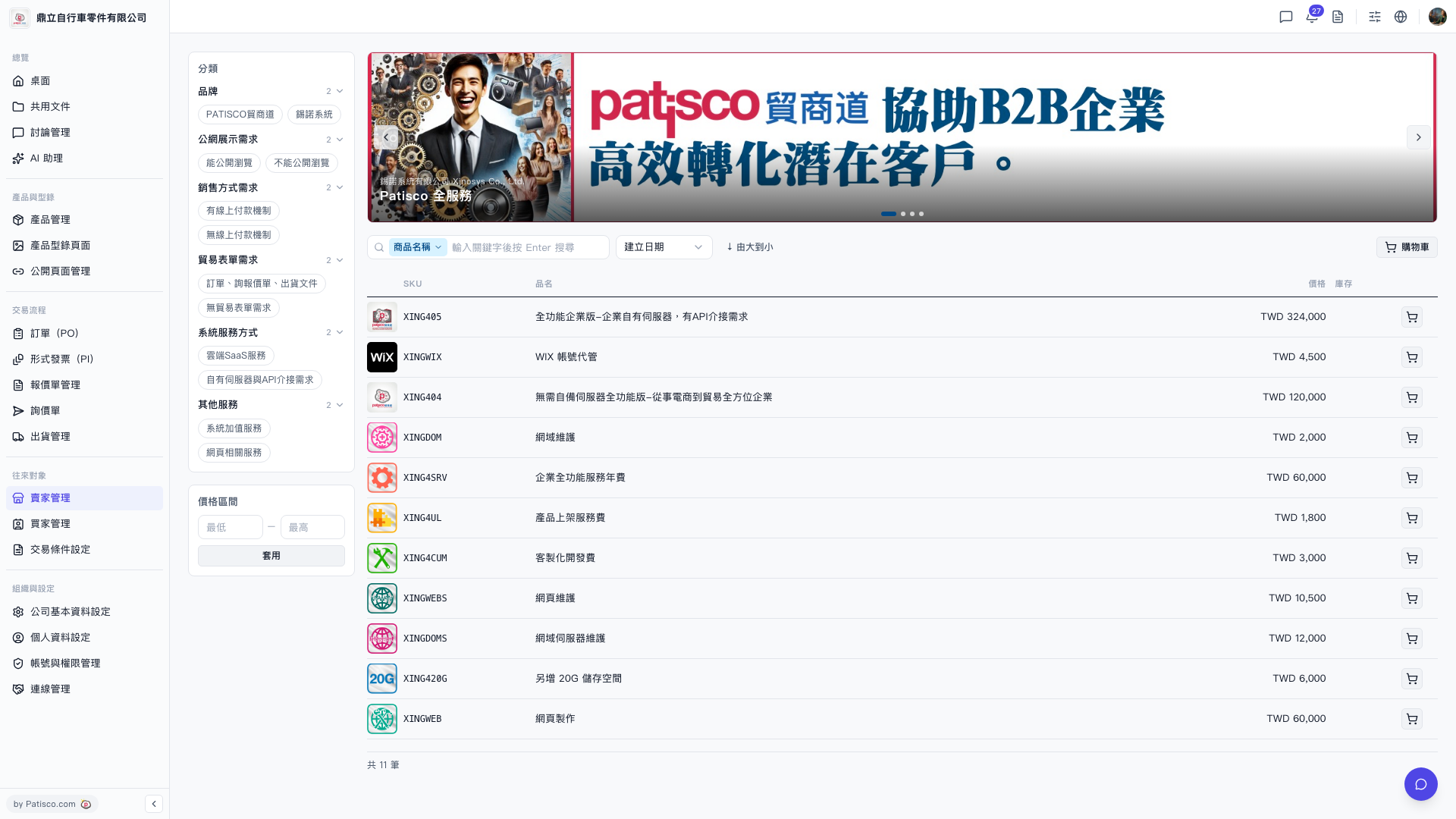 V5 新桌面版|貿家管理 - 產品目錄