
1. Open the mobile version and enter the "Purchasing Order" page. By default, it displays the "Sent Doc." list, which are the POs you have sent. 2. To view the POs that the other party sent to you, click the "Received Doc." tab in the upper right area of the page, and the screen will switch to the list of received documents. 3. Click the "Sent Doc." tab again to switch back to the list of sent documents.
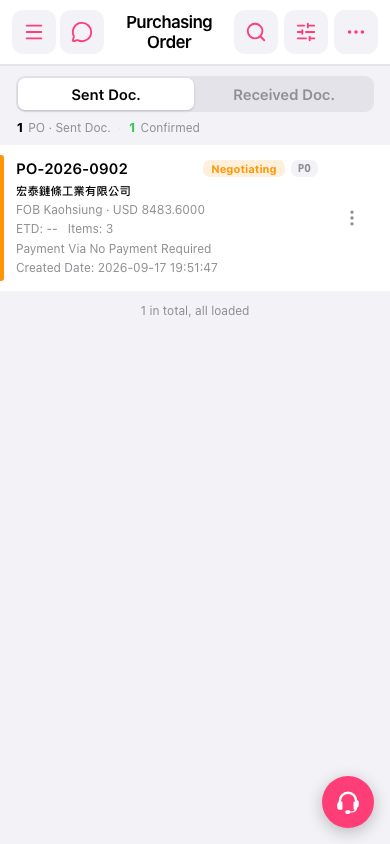 手機版|Purchasing Order(採購訂單)