
1. From the main menu, navigate to the "AI assistant" page (URL: v5.patisco.com/ai-assist). 2. Click "+ New Conversation" at the top of the conversation list on the left side to start a new conversation. 3. In the text input field at the bottom right of the page, type the question you would like to ask. 4. Press Enter to send (to add a line break, press Shift + Enter). 5. The AI assistant's response will be displayed in the conversation area on the right side. 6. You can click on previous conversations in the list on the left to continue viewing or resume a conversation.
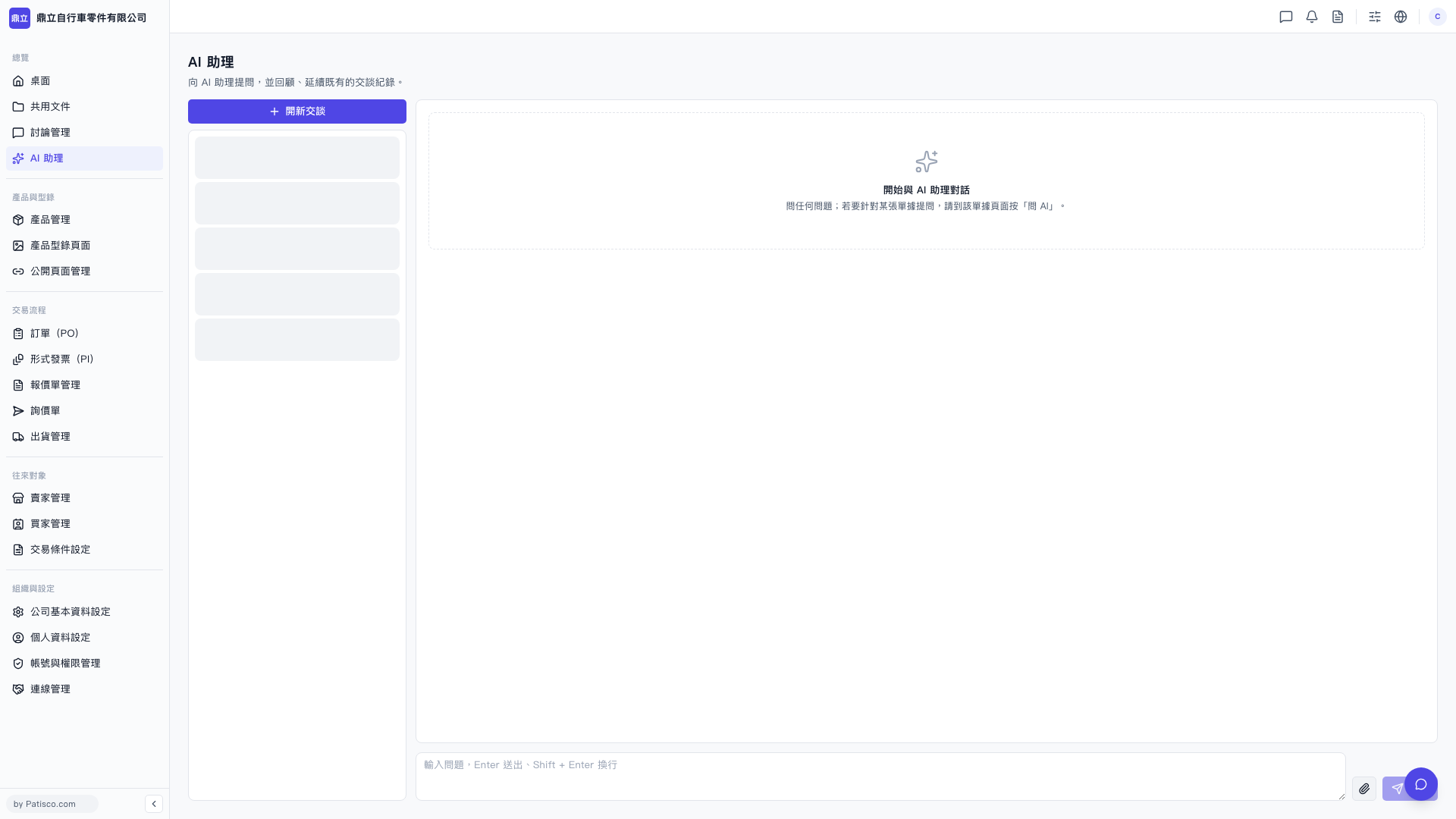 V5 新桌面版|AI 助理