
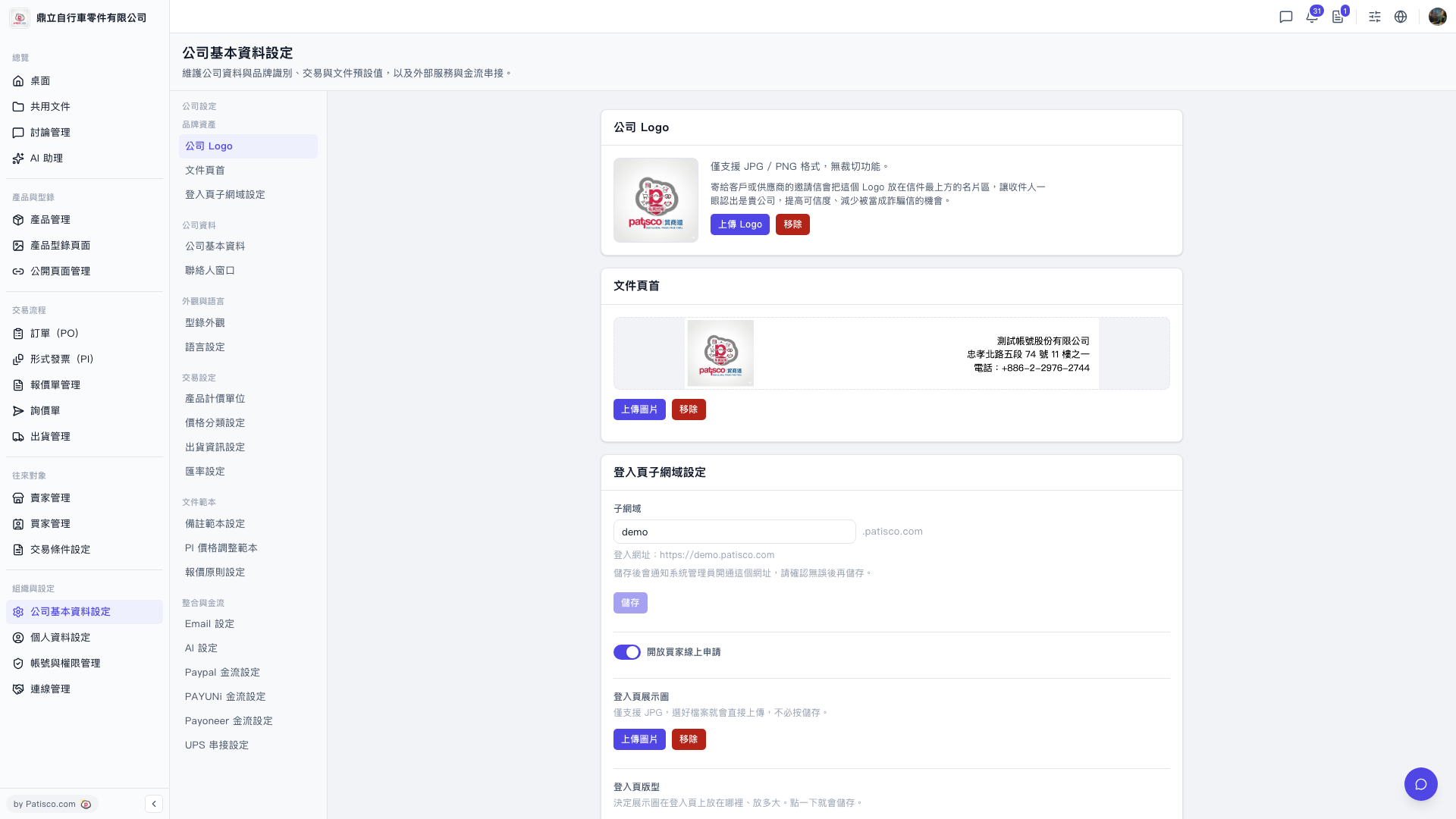
1. Go to the "Company Basic Settings" page (URL: v5.patisco.com/company-basic) and find the "AI Settings" section. 2. Confirm that the "Enabled" status is turned on. 3. In the "AI Provider" dropdown menu, select the provider you want to use; currently you can choose ChatGPT or Claude. 4. In the "Model" dropdown menu, select the corresponding model, for example GPT-4o or GPT-4o Mini. 5. Enter the correct "API Key". 6. Click [Update Settings] to send and save the provider, model, and API Key to the upstream system. All three are required for the settings to take effect.
 V5 新桌面版|ai.config