
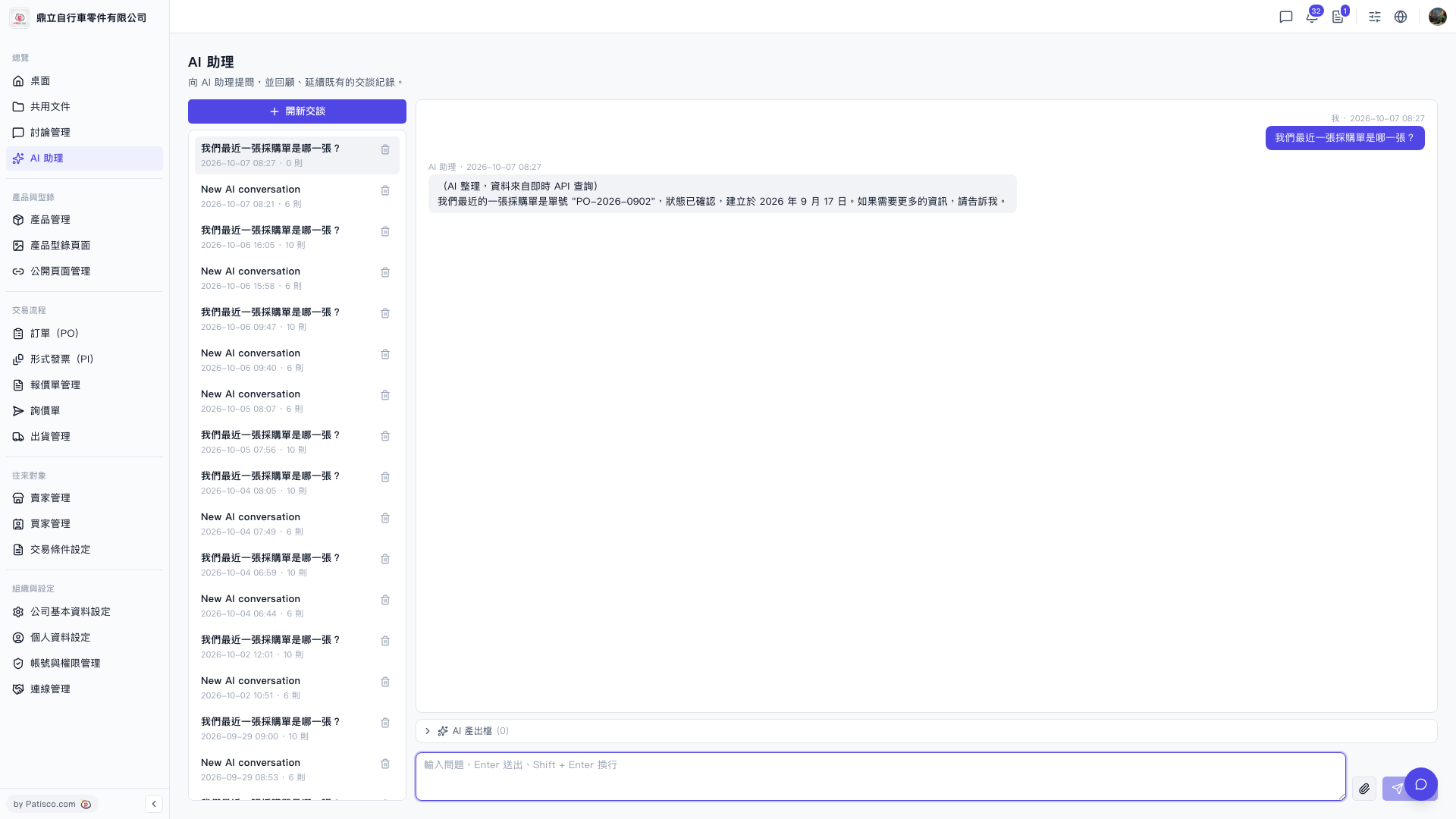
View documents produced by AI: 1. During or after a conversation, click the "AI Output Files (0)" button in the toolbar below the conversation area. 2. The system will list attachments or documents generated by AI in this conversation for you to download or view.
Delete old conversations: 1. In the conversation list on the left side, find the conversation record you want to delete. 2. Click the "Delete (trash icon)" on the right side of that list item to remove the conversation record.
To switch to viewing historical conversations, simply click the corresponding conversation record in the list on the left.
 V5 新桌面版|AI 助理