
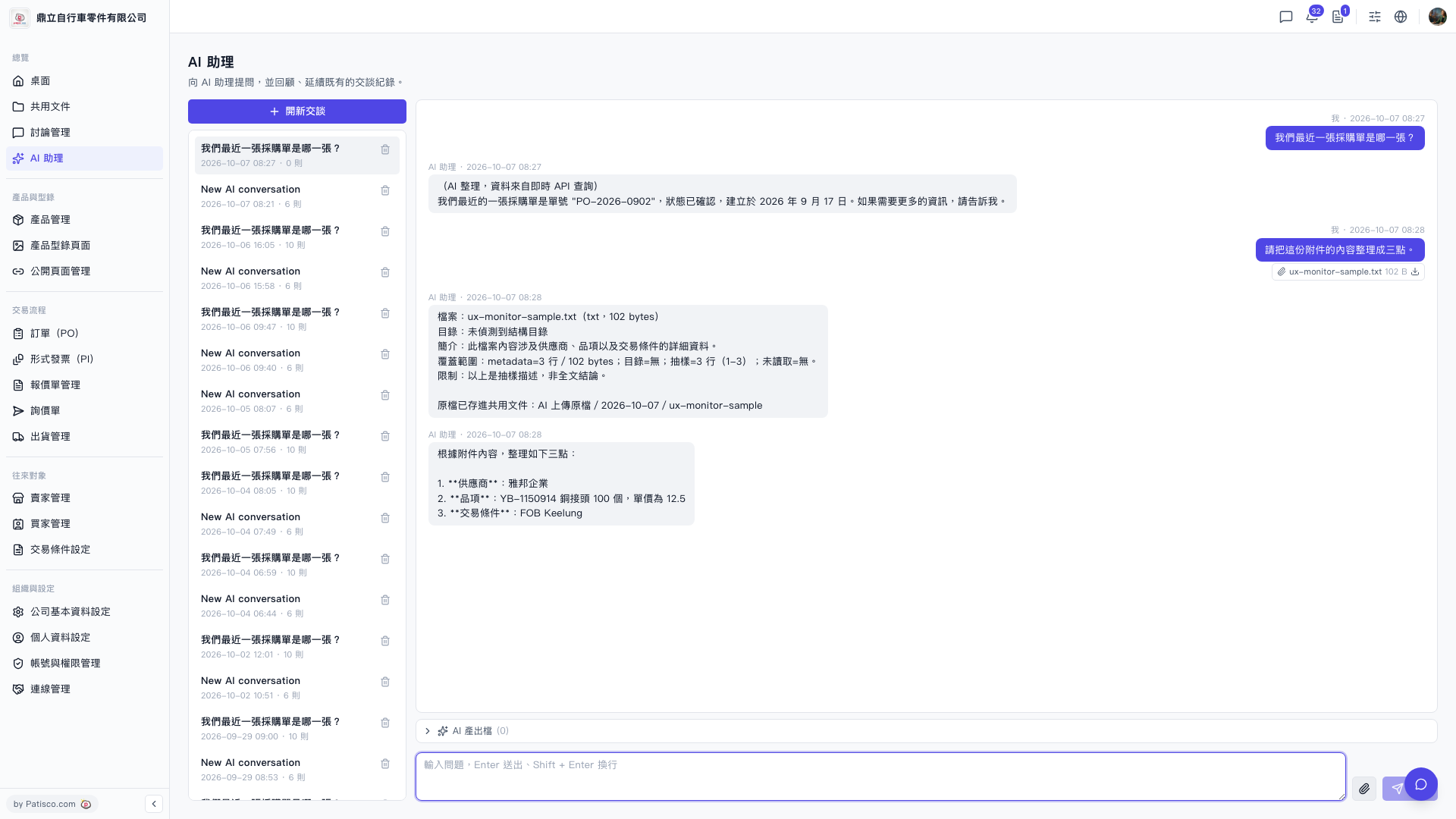
1. The conversation history list on the left side displays the title, date, and number of messages for each conversation. Click any item to switch and view it. 2. To delete a specific conversation, hover over that list item and click the "trash icon" on the right to confirm deletion. 3. To start a new conversation, click the "+ New Conversation" button at the top of the list to create a new session without affecting existing history records.
 V5 新桌面版|AI 助理