
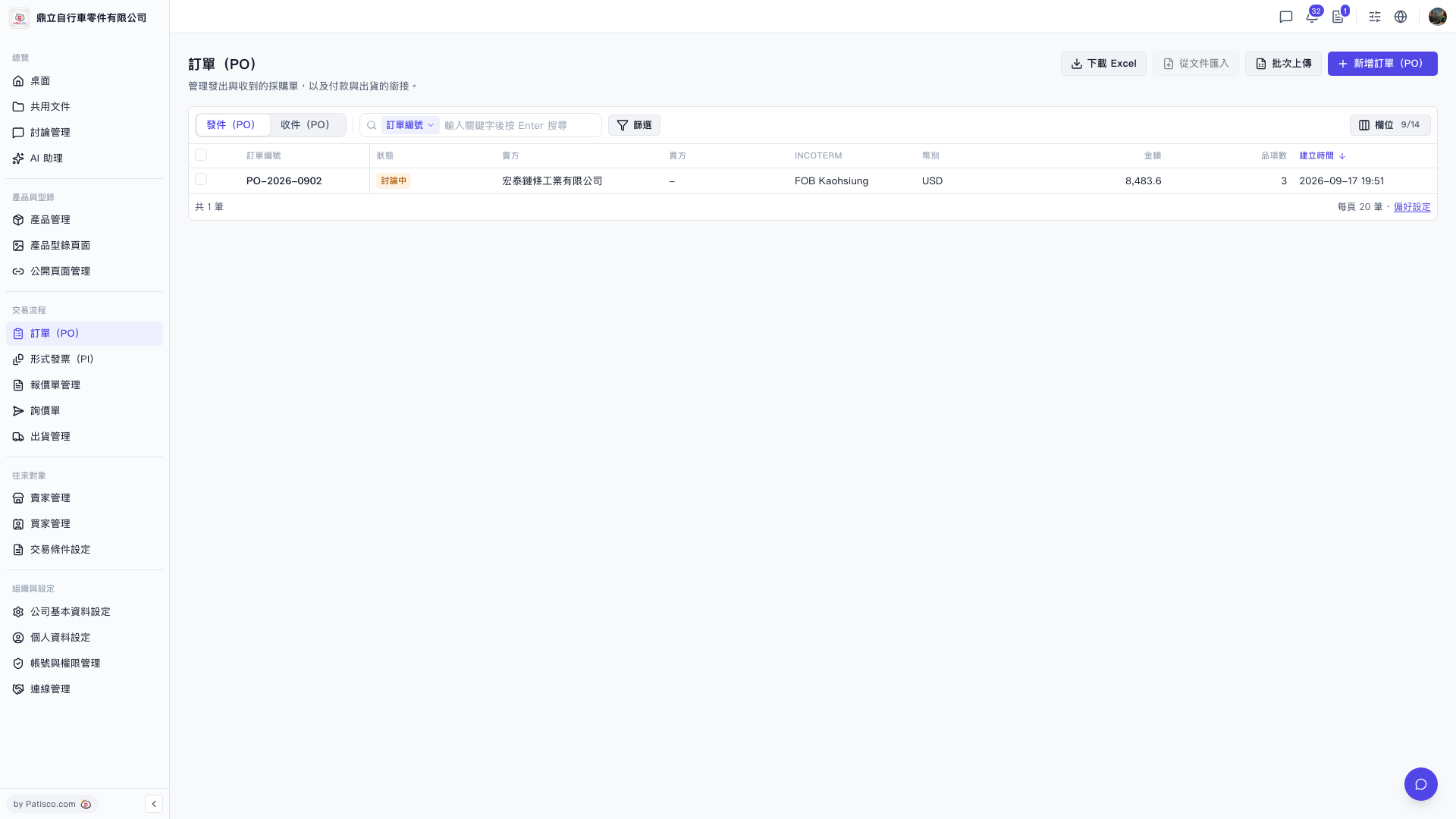
1. Enter the "PO number" in the search field above the list and press Enter to search for that specific PO. 2. To narrow down the results using multiple conditions, click the "Filter" button to the right of the search field, set your filter criteria, and apply them. 3. If you want to adjust which columns are displayed in the list, click the "Columns 9/14" button on the right side and select which columns you want to show or hide. 4. Once you find your target PO, simply click on that row to enter the PO detail page to view or edit it.
 V5 新桌面版|訂單(PO)