
Add a discussion topic: 1. On the "Discussions" page, click the "+ Add" button to the right of the search bar. 2. Fill in the topic name and related information in the form that appears. 3. After completing the form, submit it. You will then see the newly added topic in the list.
Search for a discussion topic: 1. Click on the "Search topic" search bar. 2. Enter a keyword, and the system will filter the matching discussion topics.
To enter the conversation page of a specific discussion, simply click the corresponding topic row in the list.
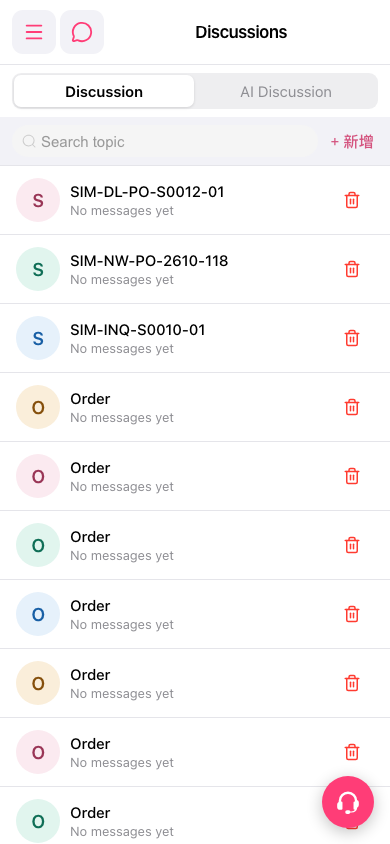 手機版|討論區(Discussions)