
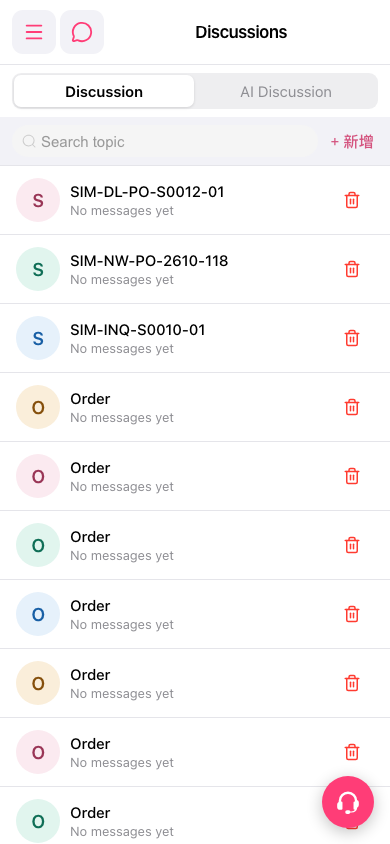
1. After opening the mobile version of Patisco, enter the "Discussions" page (URL: mobile.patisco.com/main/topic). 2. The top of the screen has two tabs: "Discussion" on the left (general discussion list) and "AI Discussion" on the right (AI discussion mode), with "Discussion" tab content displayed by default. 3. Each row in the list shows the Topic Name and Message Status. 4. There is an "+ Add" button to the right of the search bar to add new discussion topics; each row has a red trash icon on the right to delete that topic. 5. There is a customer service floating button with a headphone icon in the bottom right to contact customer support.
 手機版|討論區(Discussions)