
1. After opening the mobile version of Patisco, open the 'New AI conversation' page (URL: mobile.patisco.com/main/topic). 2. The screen will display an empty conversation area with the prompt 'No messages yet'. 3. Click the input field at the bottom 'Ask AI a question...' and type your question. 4. After typing, click the pink circular 'Send' button on the right (paper plane icon) to submit your message. 5. Wait a moment, and the AI's reply will appear in the conversation area.
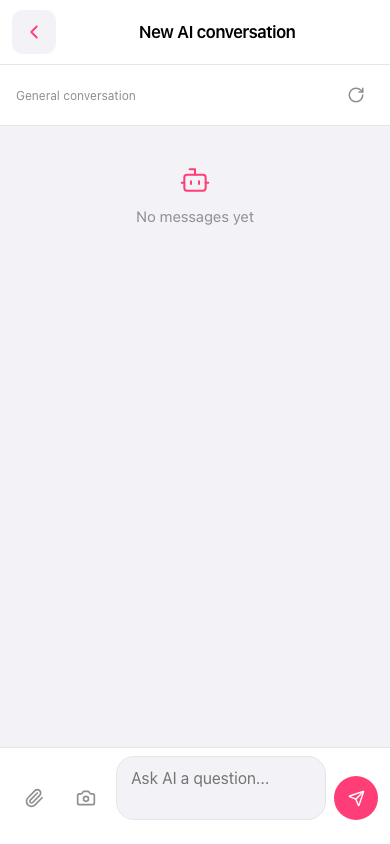 手機版|新 AI 對話(New AI conversation)