1. After entering the "Shared Files" page, find the "+ Add Main Folder" button at the top center of the page. 2. Click "+ Add Main Folder". 3. Follow the on-screen prompts to enter the folder name and save.
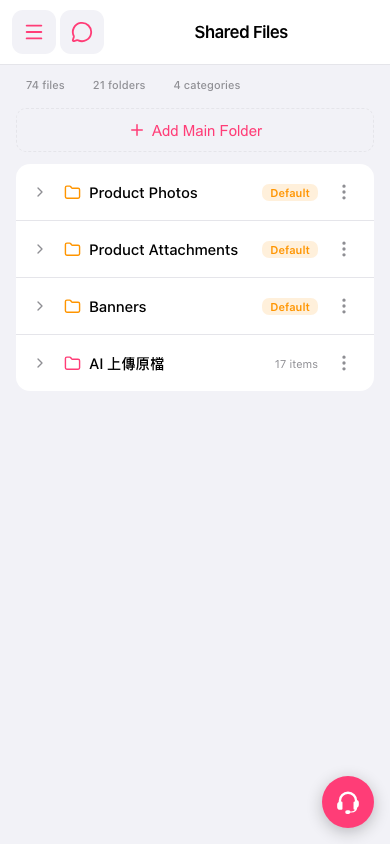 手機版|共享檔案(Shared Files)
1. After entering the "Shared Files" page, find the "+ Add Main Folder" button at the top center of the page. 2. Click "+ Add Main Folder". 3. Follow the on-screen prompts to enter the folder name and save.
手機版|共享檔案(Shared Files)