
Yes. At the bottom of the 'AI conversation (New AI conversation)' page, there are two icons on the left side of the input row: 1. Click the paperclip icon to attach a local file to the conversation. 2. Click the camera icon to take a photo or select an image from your photo library to upload. 3. After uploading, type a description in the input field and click the pink arrow button on the right to send both together to the AI.
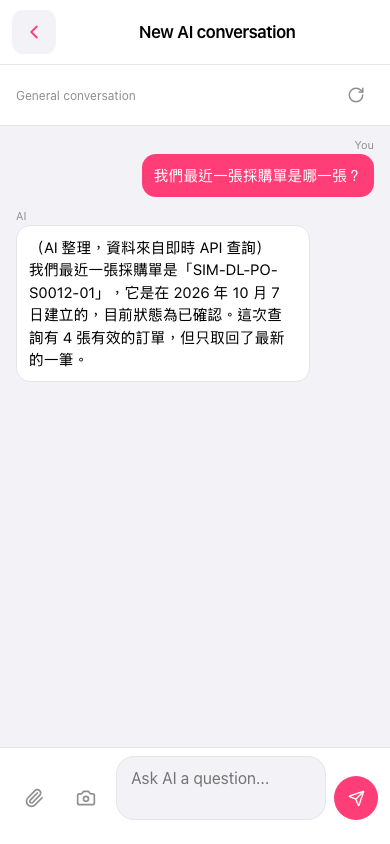 手機版|AI 對話(New AI conversation)