
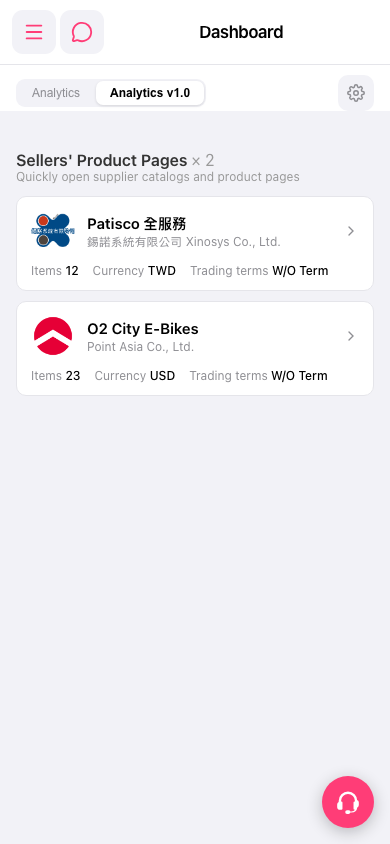
1. From the Dashboard page, click the "⚙️ Settings icon" in the top right. 2. This opens the Analytics-related settings for configuration. 3. If you want to switch back to the old version, click the "Analytics" tab at the top of the page (currently the "Analytics v1.0" tab is active). 4. For live support, click the pink "🎧 Customer service button" in the bottom right to open customer support.
 手機版|Dashboard