
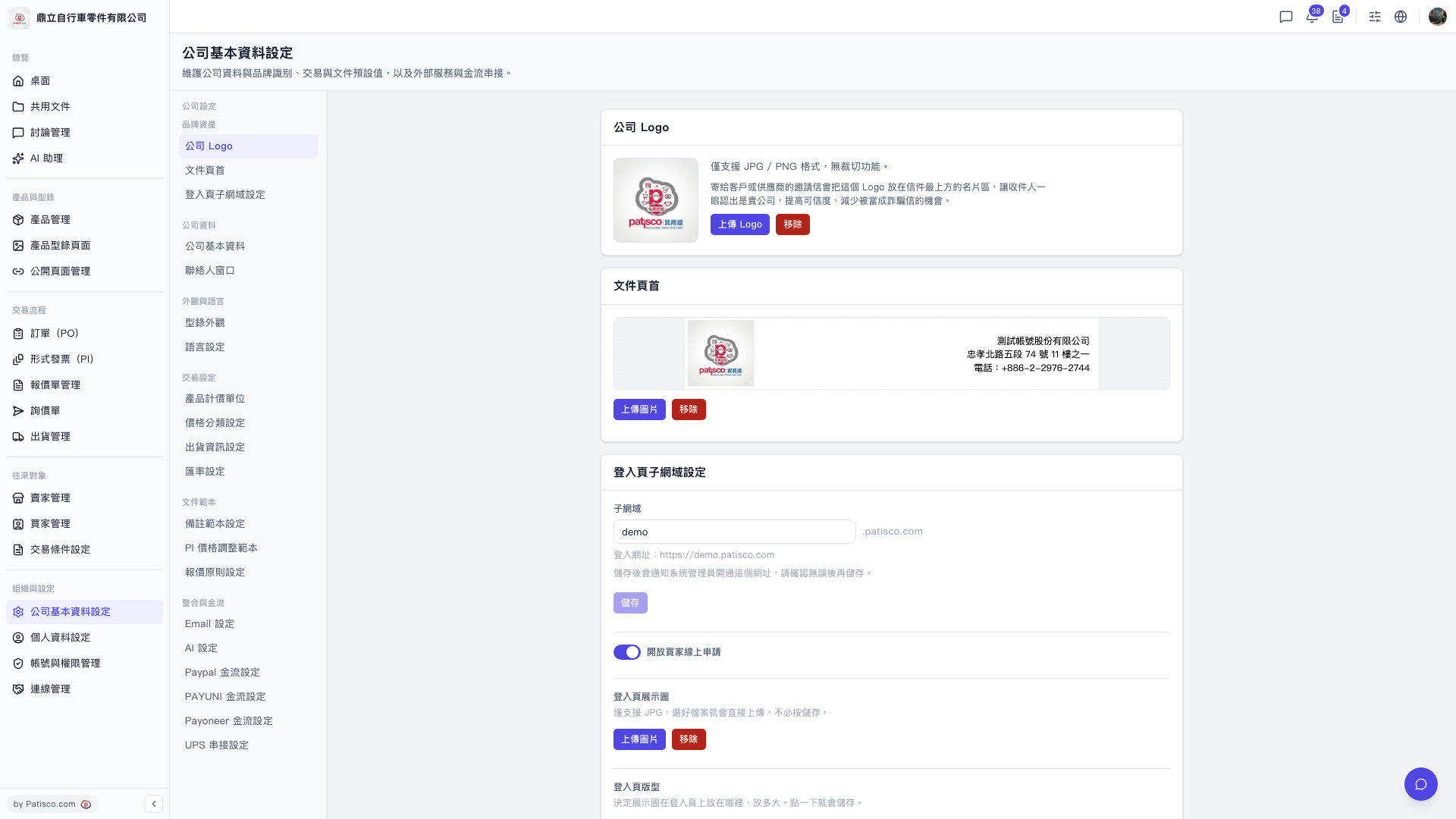
1. After logging into the V5 new desktop version, navigate to https://v5.patisco.com/company-basic#ups-setting (or scroll down on the company basic settings page to find the UPS setting section). 2. Find the "UPS Authorization" field. The current status will show "Not Connected". 3. Click the link/authorization button next to it and follow the on-screen instructions to complete the UPS account authorization process. 4. After completion, the status should update to "Connected".
 V5 新桌面版|ups.setting