
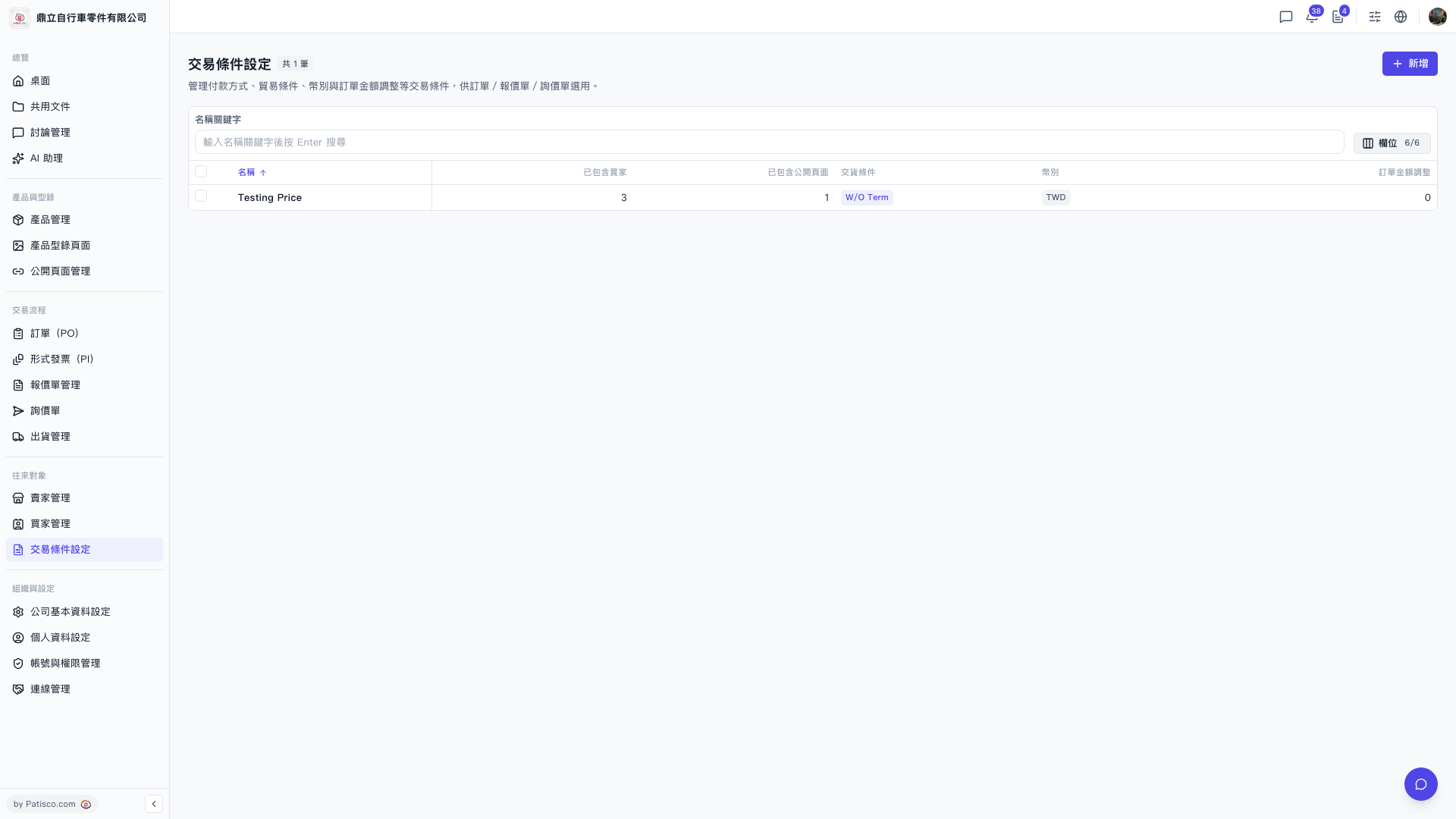
1. In the left sidebar, under the "Partners" section, click "Trading Condition Setting". 2. Type a keyword in the "Name keyword" search box above the list and press Enter to filter. 3. To adjust what the list shows, click "Columns 6/6" to the right of the search box and choose which columns to display. The list columns include Name, Included buyers, Included public pages, Delivery terms, Currency, and Order amount adjustment. 4. To sort by name, click the sort arrow next to the "Name" column header.
 V5 新桌面版|交易條件設定