
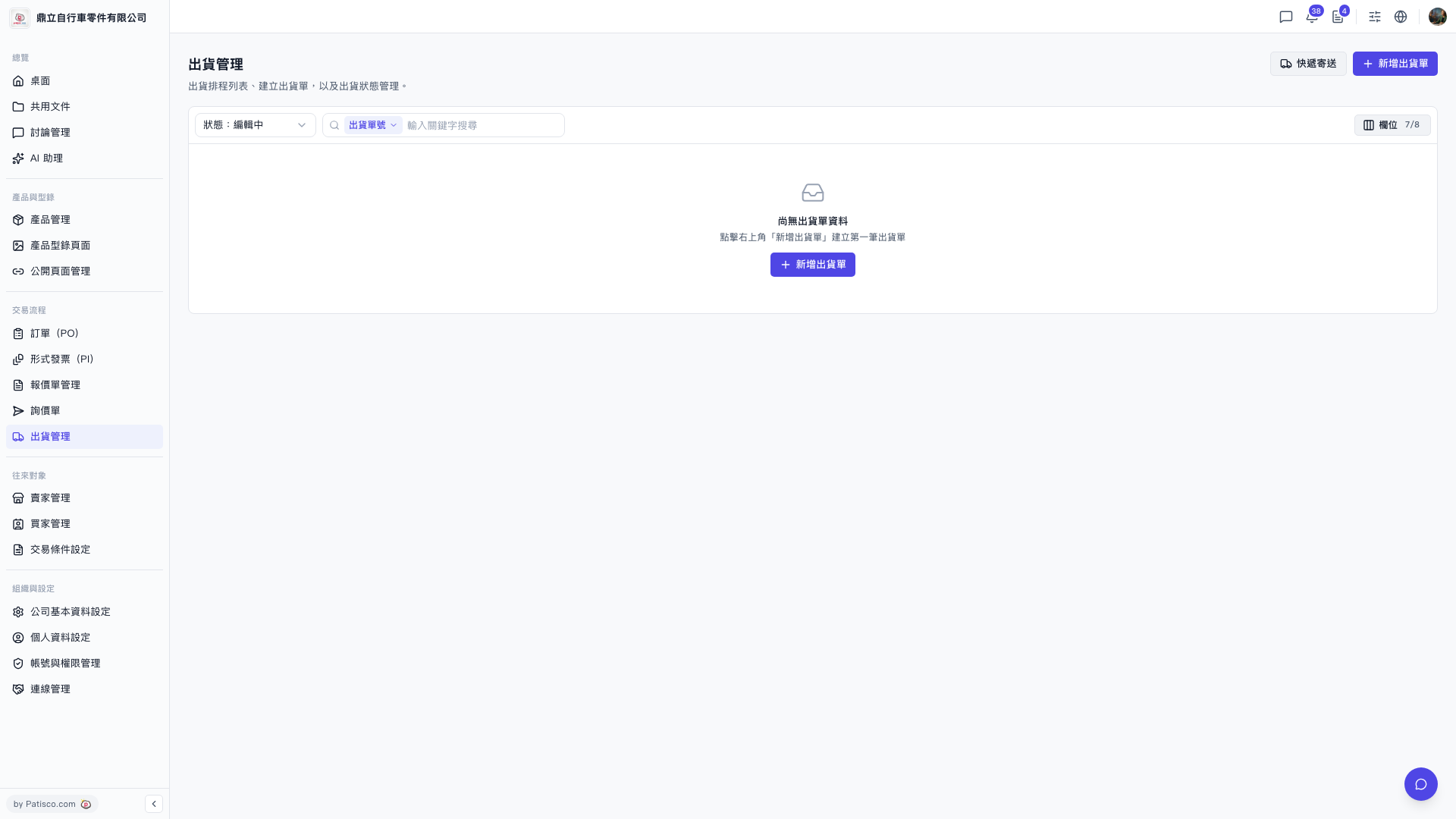
1. In the left sidebar, find "Trade Flow". 2. Click "Shipping Management" underneath it. 3. Once you are in, the page title is "Shipping Management" and the URL is https://v5.patisco.com/shp.
Note: The list's default status filter is "Editing". If there are no shipments yet, an empty-state block appears in the middle with a "New Shipment" button.
 V5 新桌面版|出貨管理