
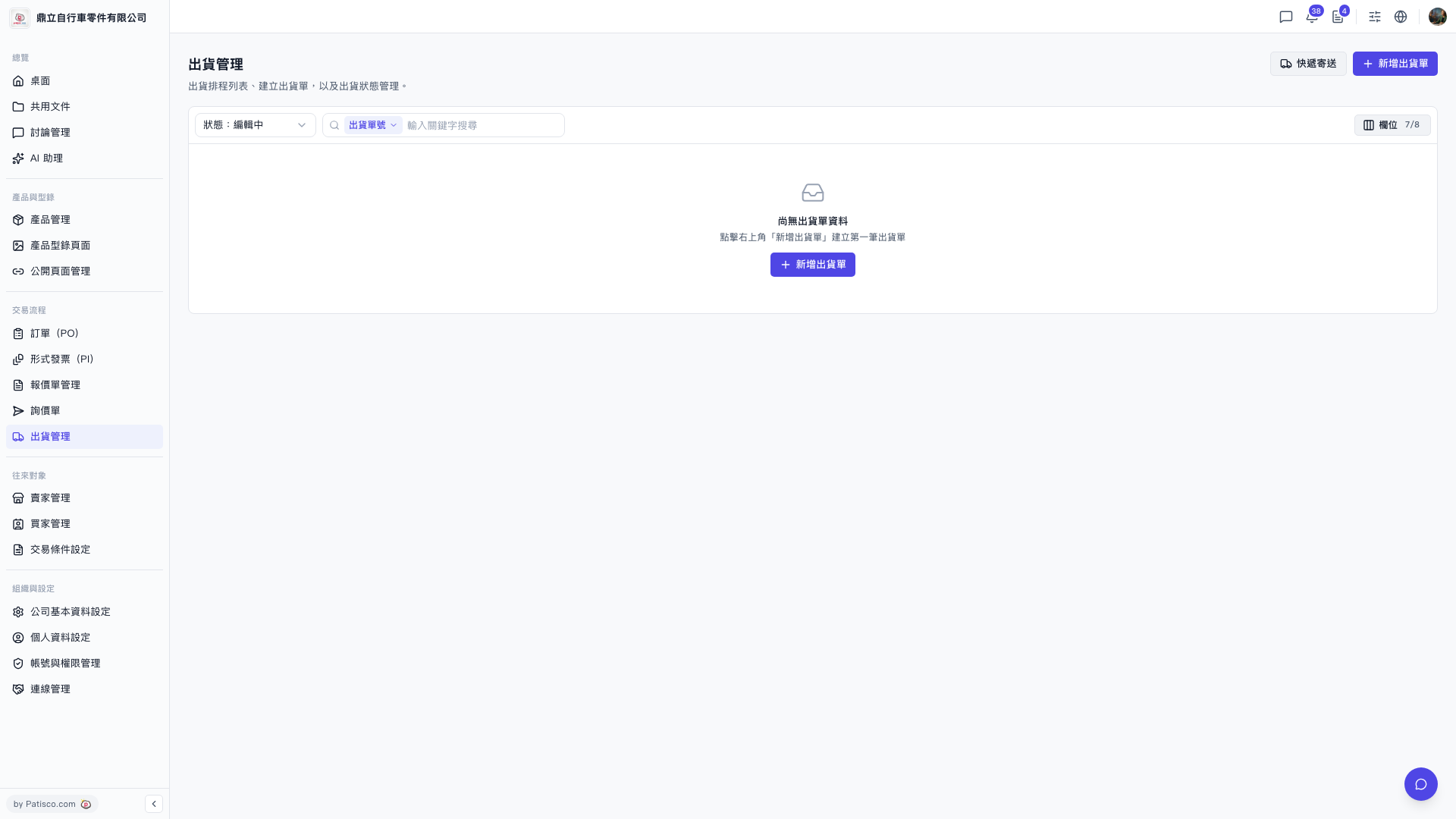
Create a shipment: 1. Go to the "Shipping Management" page. 2. Click "New Shipment" at the top right. If the list is empty, you can also click "New Shipment" in the empty-state block in the center to create the first one. 3. Fill in the shipping information as shown on the screen, then save.
Find a specific shipment: 1. Use the "Status" filter at the top left of the list to switch statuses (the default is currently "Editing"). 2. In the search bar above the list, choose a search field (e.g. "Shipment No."), then enter a keyword to search. 3. To adjust which columns the table shows, click "Columns 7/8" at the top right of the list (currently showing 7 of 8 columns).
Ship by express courier: 1. Click the "Express Shipping" button at the top right, to the left of "New Shipment", to open the express shipping feature.
 V5 新桌面版|出貨管理