
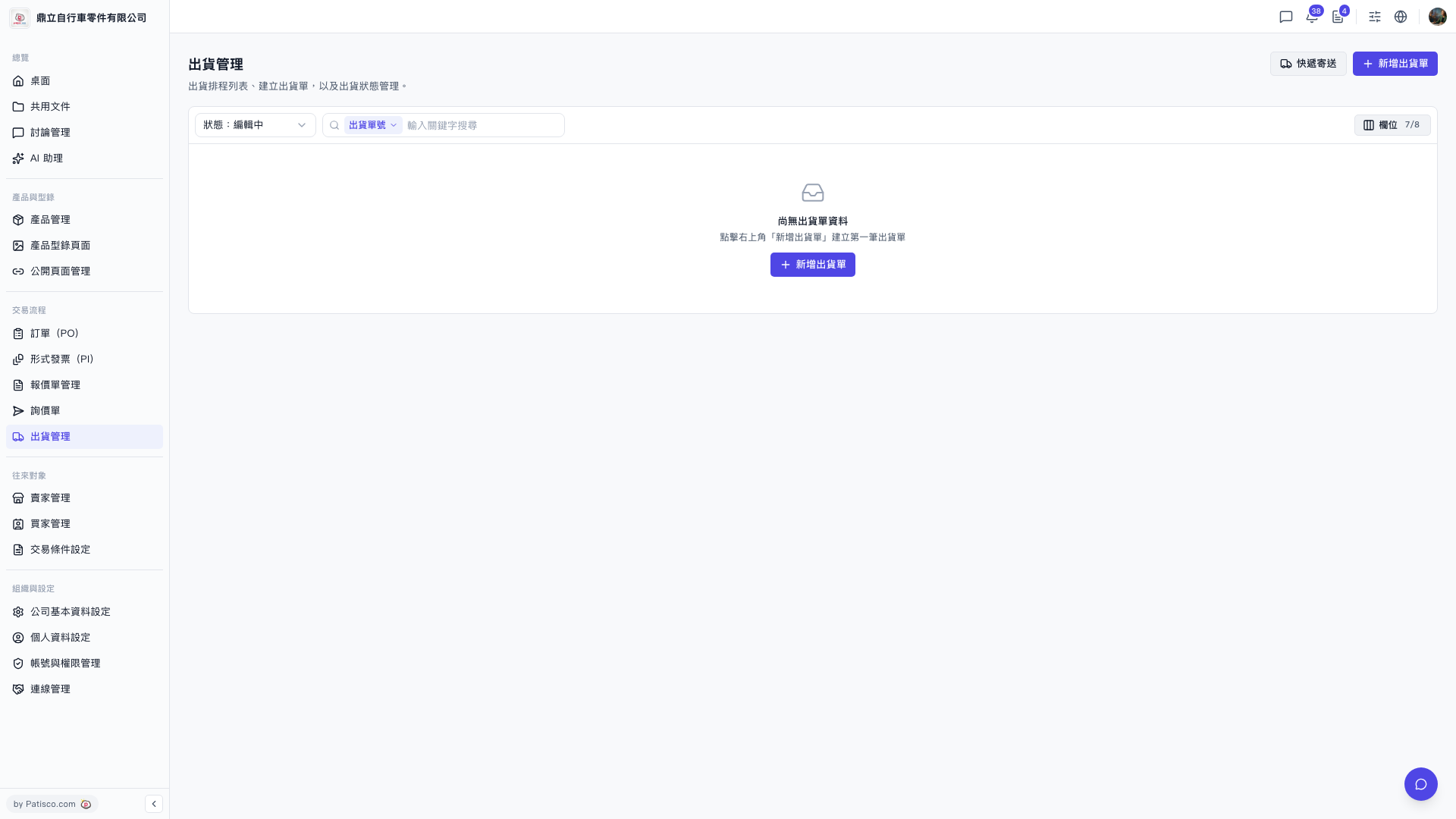
1. In the left sidebar, under "Trade Flow", click "Shipping Management". 2. Click "New Shipment" at the top right. If the list is empty, you can also click "New Shipment" in the empty-state block in the center to create the first one. 3. Fill in the shipment details and save. 4. After returning to the list, use the "Status" filter at the top left of the list (e.g. "Status: Editing") to narrow the results. 5. You can also choose "Shipment No." in the search bar above the list, then enter a keyword to search. 6. To adjust which columns the table shows, click "Columns 7/8" at the top right of the list.
 V5 新桌面版|出貨管理