
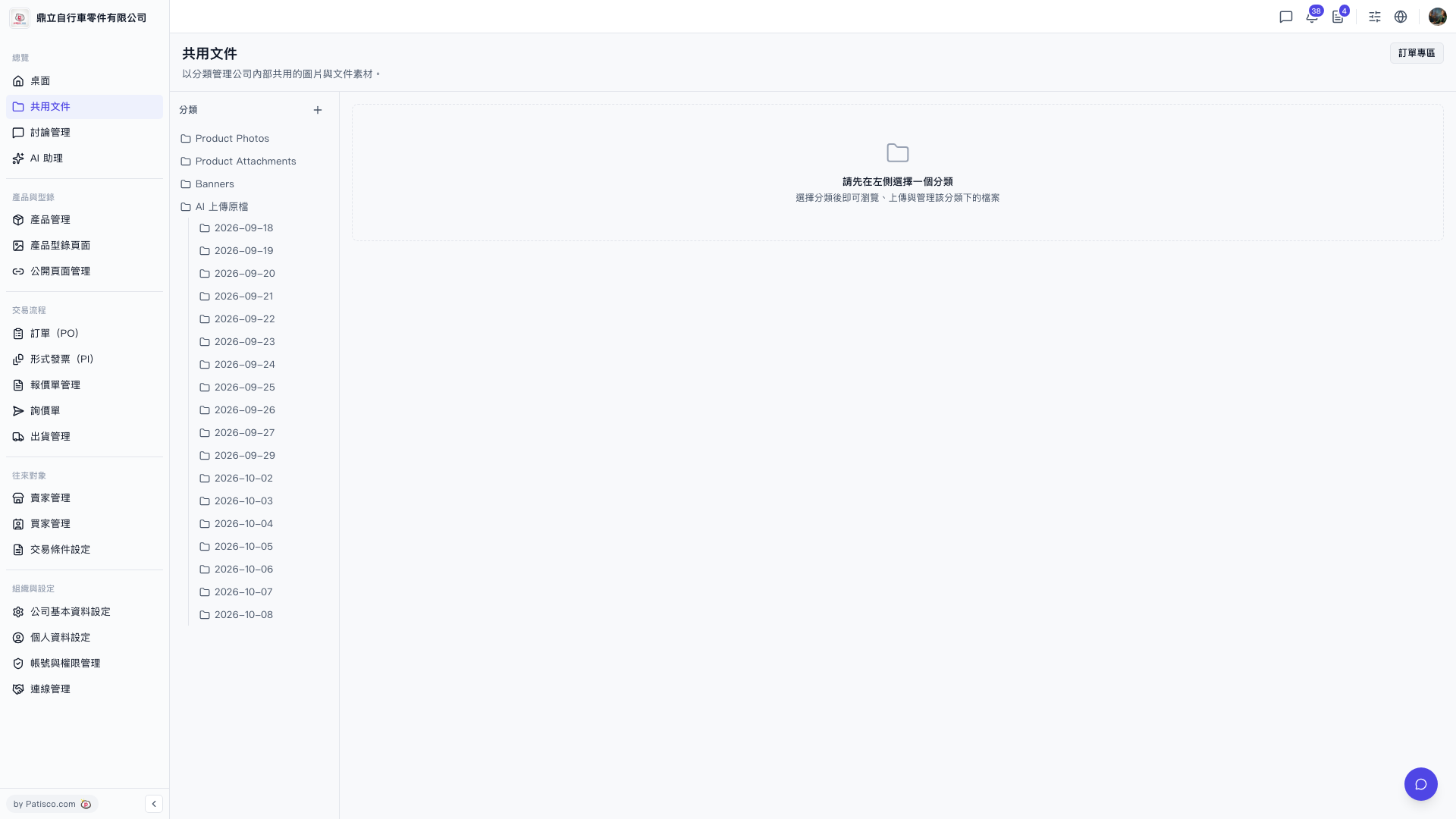
1. Click "Shared Documents" in the left sidebar to open the page. 2. In the "Categories" panel on the left, click the category you want to view, such as Product Photos, Product Attachments, or Banners. 3. The list of files under that category appears on the right, where you can browse, upload, and manage files.
To view files uploaded by AI, first expand "AI Uploaded Originals", then click a date folder (the list currently runs from 2026-09-18 to 2026-10-08).
You can ask the AI assistant: "Has the Product Photos category been created?" The AI will reply: "Yes".
 V5 新桌面版|共用文件